
MENU
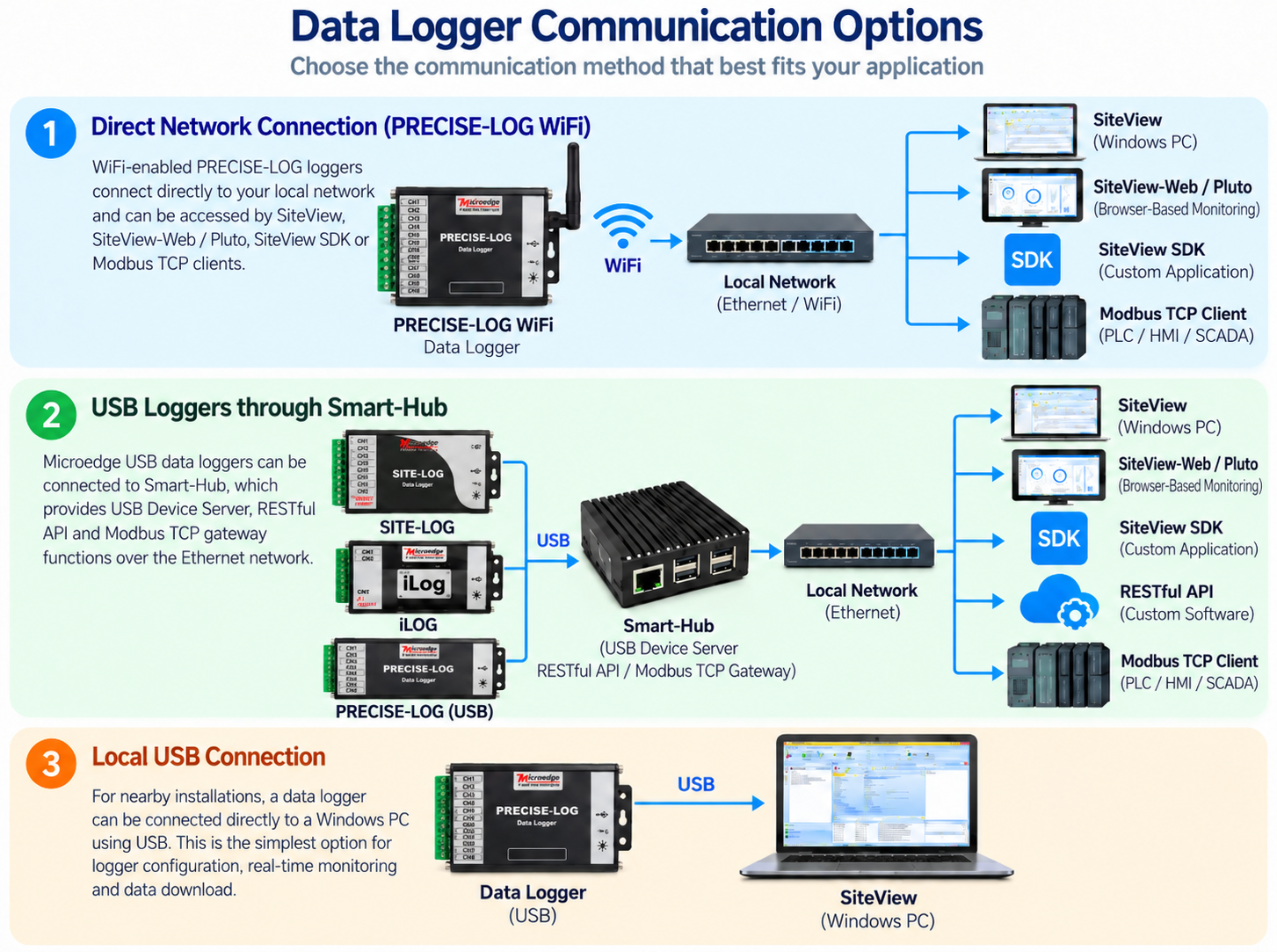
Modern data loggers can communicate through USB, WiFi, Ethernet, RESTful Web API, and Modbus TCP. These methods serve different purposes, so the best choice depends on how the logger will be used.
A simple way to decide is to ask:
USB is the simplest option when the data logger is located near a Windows PC.
Typical connection:
Data Logger → USB → SiteView
USB is well suited for:
For many standalone logging applications, USB is all that is required.
A USB data logger can also be accessed remotely by connecting it to a Microedge Smart-Hub.
Typical architecture:
USB Data Logger → Smart-Hub → Ethernet Network
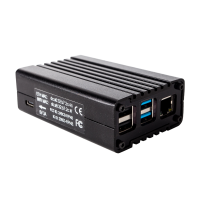
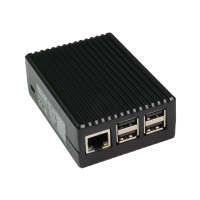
Smart-Hub provides three main functions:
Through its USB Device Server function, supported loggers can be accessed by:
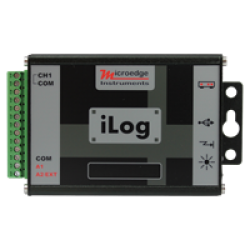
This allows existing USB-based SITE-LOG, iLOG, and PRECISE-LOG data loggers to become part of a networked monitoring system.
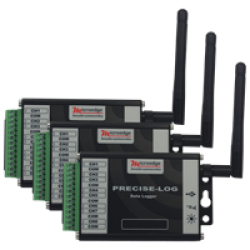
WiFi-enabled PRECISE-LOG models connect directly to the local wireless network.
Typical architecture:
PRECISE-LOG WiFi → Local Network
They can be accessed by:
Because WiFi is built into the logger, Smart-Hub is not required.
WiFi is useful where network access is required but installing Ethernet cabling is inconvenient.
Ethernet is the network infrastructure rather than the application protocol itself.
For example, the same Ethernet network may carry:
So Ethernet answers:
How is the device connected to the network?
REST API and Modbus TCP answer:
How does another system access the data?
The Smart-Hub RESTful Web API allows third-party software to access supported logger information through standard web-based requests.
Typical architecture:
USB Data Logger → Smart-Hub → REST API → Custom Software
REST API is useful for:
It is generally a better fit for software developers than for PLC-based industrial control systems.
Modbus TCP is widely used in industrial automation.
Typical systems include:
Microedge supports two Modbus TCP architectures.
Supported WiFi models can operate directly as Modbus TCP servers:
PRECISE-LOG WiFi → Network → PLC / SCADA
USB data loggers can use Smart-Hub as a Modbus TCP Gateway:
USB Data Logger → Smart-Hub → Network → PLC / SCADA
This allows existing USB loggers to participate in an industrial Modbus TCP system.
One important distinction is the difference between logger sampling and external polling.
For example:
The logger may save one reading per minute internally while the Modbus master requests a real-time value every five seconds.
Therefore:
Data stored in logger memory and data retrieved by a Modbus host are not necessarily identical datasets.
Recorded data is generally used for historical analysis, while real-time polling is more useful for PLCs, SCADA, dashboards, and control systems.
| Requirement | Recommended Method |
|---|---|
| Configure a nearby logger | USB + SiteView |
| Download logger data locally | USB + SiteView |
| Access a USB logger over Ethernet | Smart-Hub |
| Monitor PRECISE-LOG remotely | Direct WiFi |
| Browser-based monitoring | SiteView-Web / Pluto |
| Custom Windows application | SiteView SDK |
| Custom web/software integration | RESTful Web API |
| PLC / HMI / SCADA integration | Modbus TCP |
| USB logger into Modbus TCP system | Smart-Hub |
| PRECISE-LOG WiFi into Modbus TCP system | Direct Modbus TCP |
Your diagram fits well immediately after the table because it visually summarizes the three main architectures:
Network-connected data loggers should be protected using normal network-security practices such as:
Standard Modbus TCP should normally be used on a controlled network rather than exposed directly to the public Internet.
The best communication method depends on who needs the data.
For simple local use, USB and SiteView are usually sufficient.
For remote access to USB loggers, use Smart-Hub.
For direct wireless access, use PRECISE-LOG WiFi.
For custom software, use RESTful Web API or SiteView SDK.
For PLC, HMI, and SCADA integration, use Modbus TCP.
The most effective system is usually the simplest architecture that meets the application's actual communication requirements.

Leave a Comment