SiteView help
| SiteView help
|
If you have
chosen to save data in the system's database in the download dialog please refer
to Work with
Database. After the data
of the logger is downloaded into the computer, the data is saved in SiteView
file (with “svf” as the file extension) and the data is presented in plot and
tabular views by SiteView:
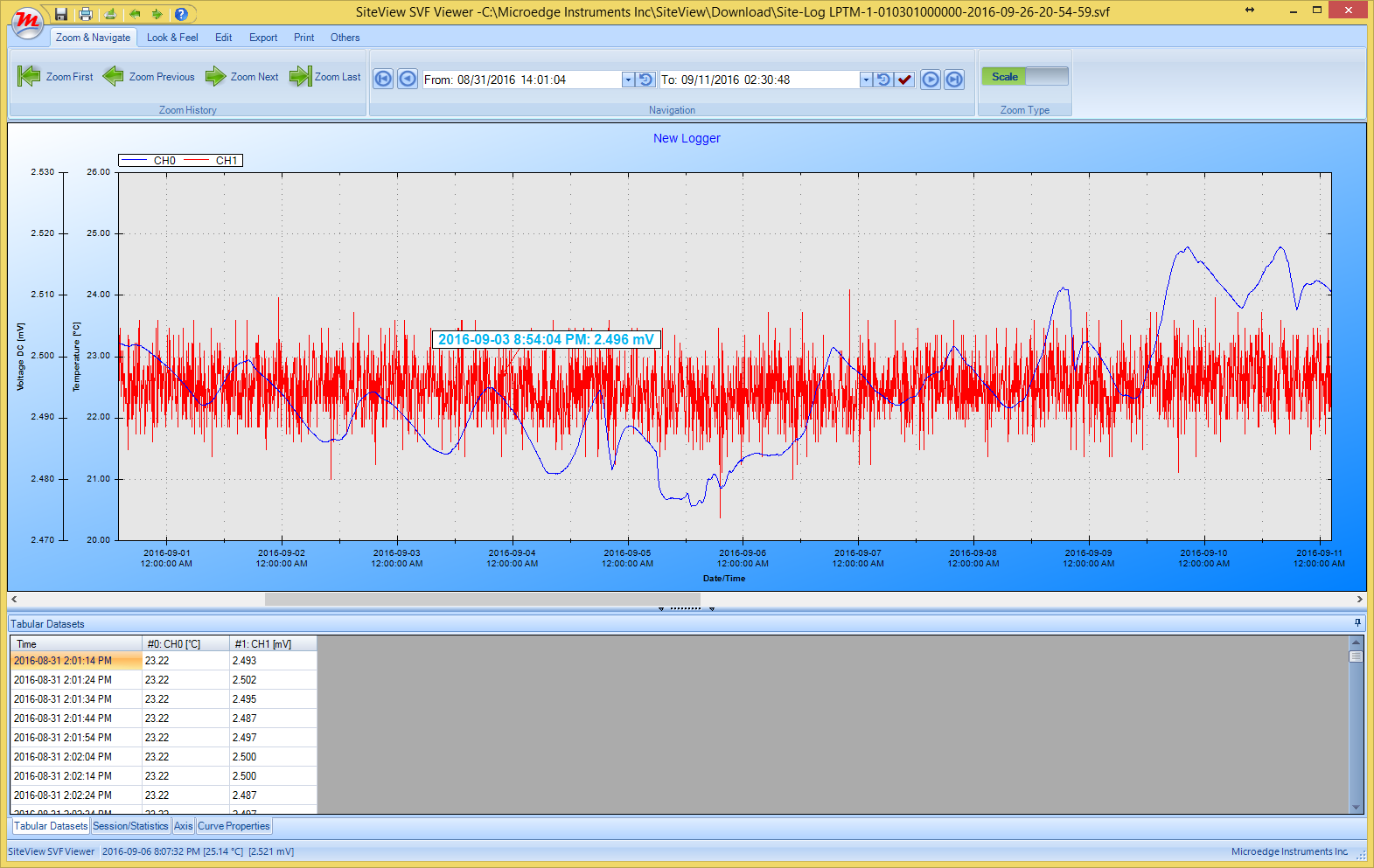
The top section is the plot
view and the bottom section contains Dataset, Statistics, Axis
settings, Line settings.
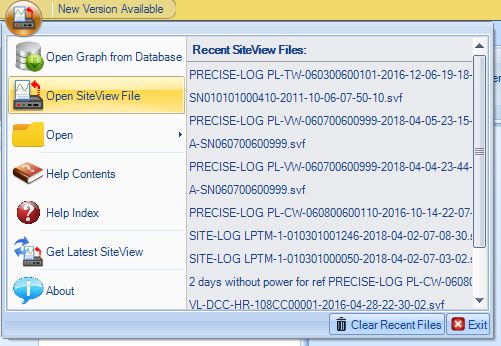
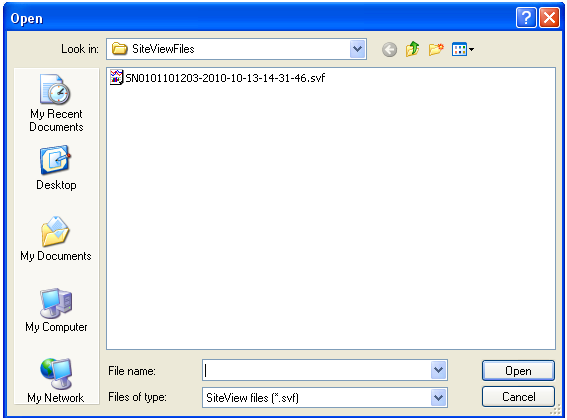
You can either open one SiteView file or combine multiple SiteView files in one plot window:
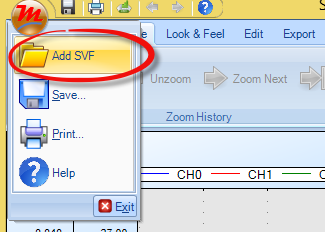
If you are already in a SiteView Plot View/Window, you can add other SiteView files to the existing plot by clicking Add SVF button.