

SiteView SDK – Software Development Kit for Microedge Data Loggers
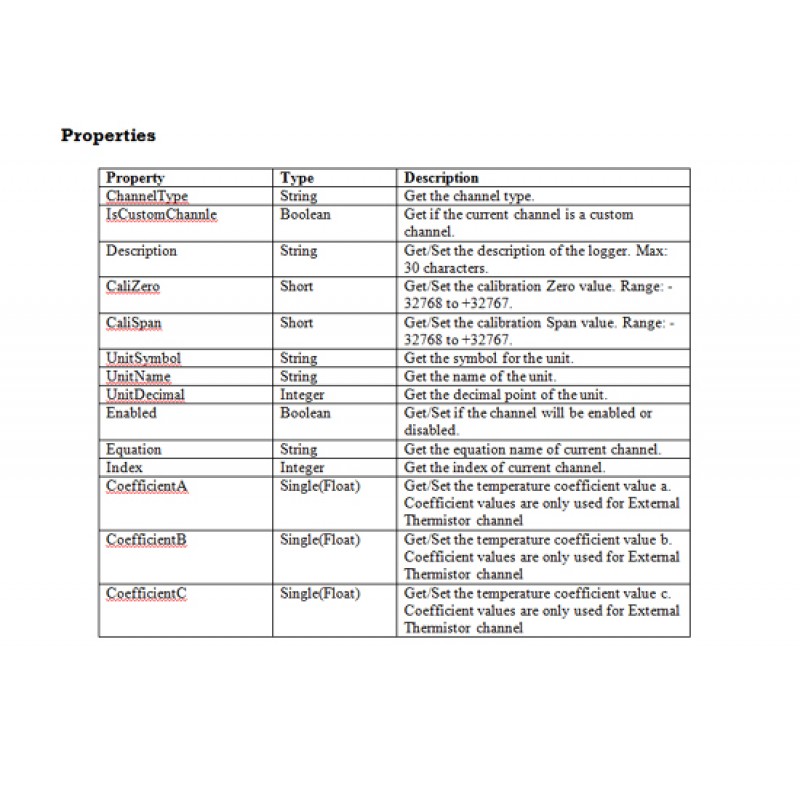
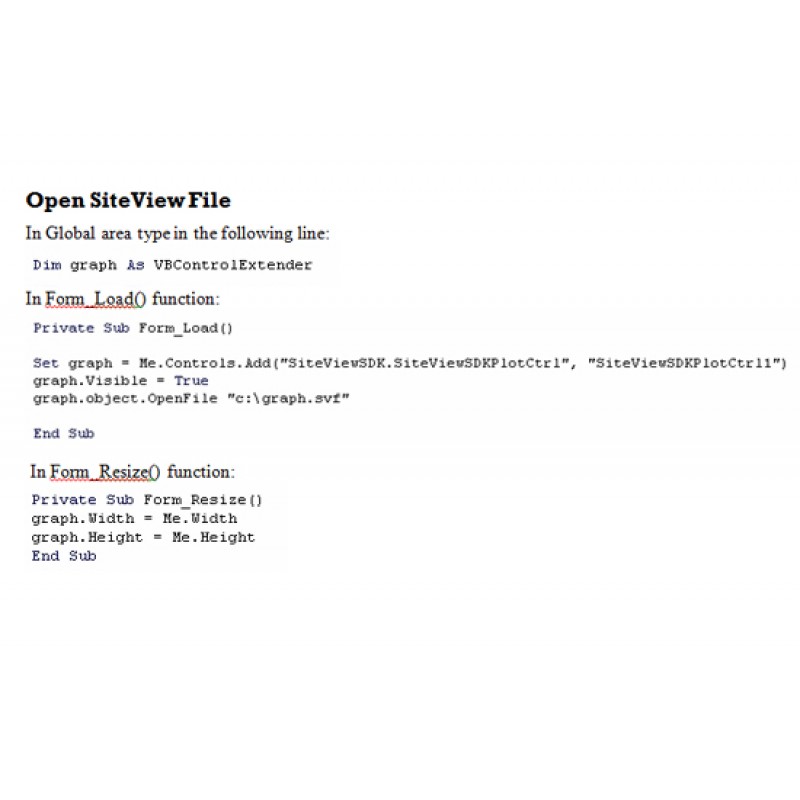
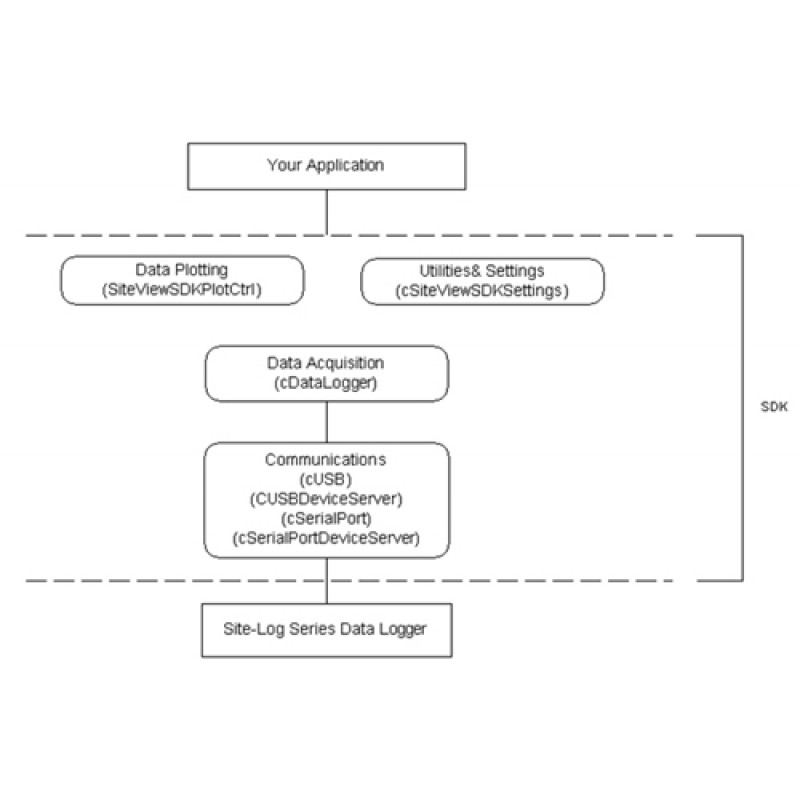
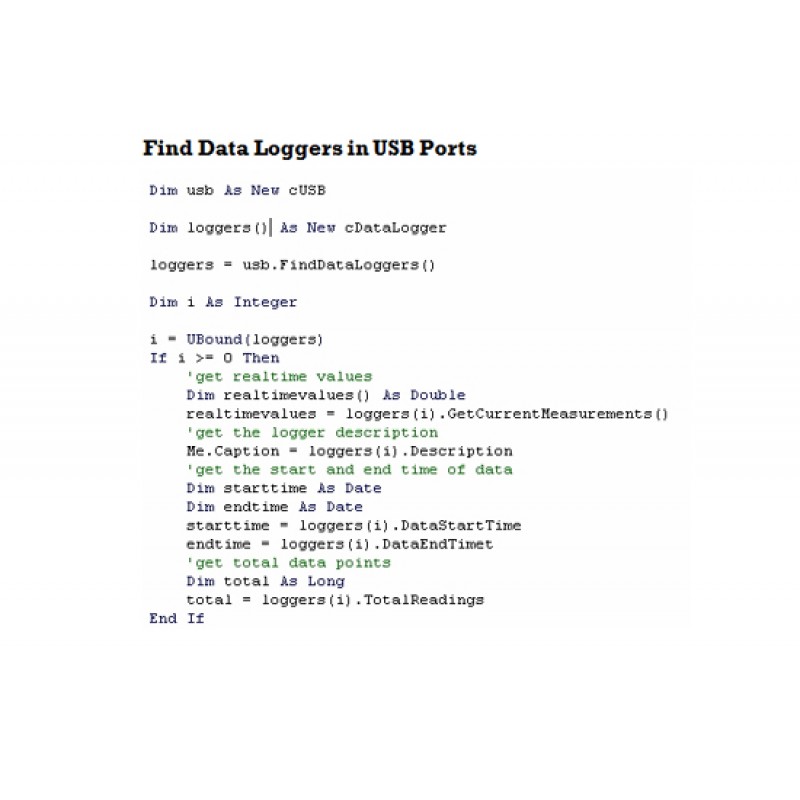
SiteView SDK is a .NET software development kit that allows developers to integrate supported Microedge data loggers directly into their own Windows applications.
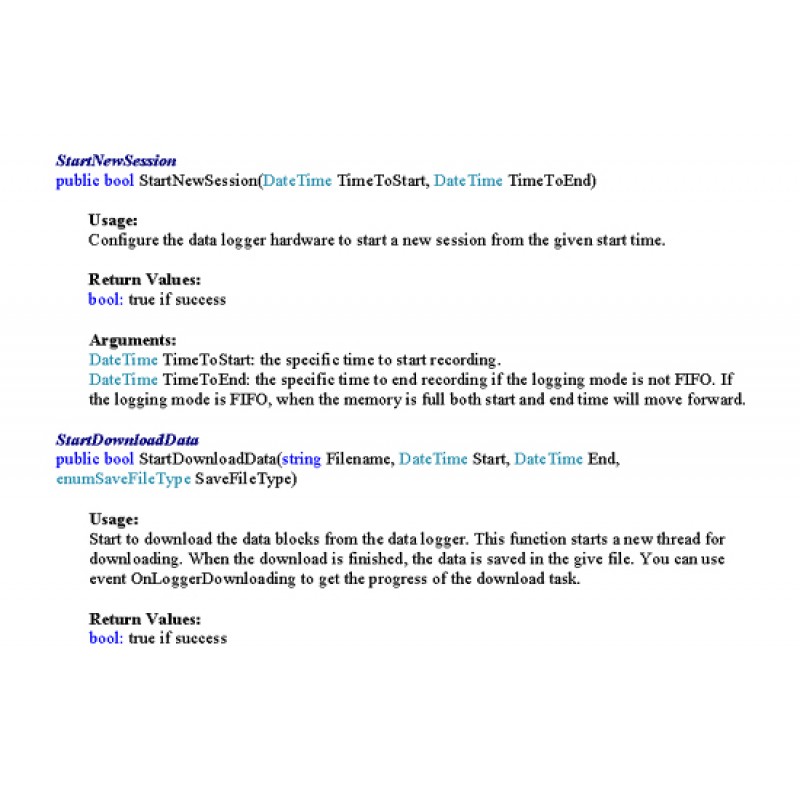
The SDK provides reusable software components for communicating with Microedge data loggers, configuring recording sessions, retrieving logger status, downloading recorded data, and displaying measurements.
Instead of implementing the low-level communication protocol yourself, your application can use SiteView SDK functions and controls to handle common data logger operations.
SiteView SDK is intended for OEM developers, system integrators, research groups, laboratories, industrial automation developers, and other customers who need to incorporate Microedge data logger functionality into custom software.
Data Logger Communication
SiteView SDK provides communication functions for supported Microedge data loggers.
Depending on the logger model and system architecture, applications can access loggers through:
- USB
- TTL-level serial communication
- Ethernet / local network
- Smart-Hub
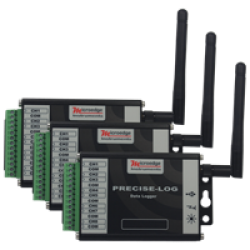
- Direct PRECISE-LOG WiFi connection
The SDK handles the communication layer so the application can work with higher-level logger functions rather than implementing the underlying device protocol.
This allows developers to create applications ranging from simple data-download utilities to integrated monitoring and data acquisition systems.
Logger Configuration and Status
SiteView SDK provides programmatic access to common logger functions such as:
- Detecting connected data loggers
- Retrieving logger status
- Reading logger configuration
- Configuring a new recording session
- Configuring channels
- Setting sampling intervals
- Selecting input ranges or sensor types where supported
- Configuring measurement equations
- Working with engineering units
- Downloading recorded data
The exact functions available depend on the connected data logger model.
Ready-to-Use Configuration Interfaces
SiteView SDK includes reusable configuration user interfaces that can be incorporated into custom applications.
These interfaces support functions such as:
- Unit configuration
- Equation configuration
- Plot configuration
- Measurement display settings
Using the supplied controls can reduce development time for applications that require configuration capabilities similar to those available in SiteView.
Graphical and Tabular Data Controls
SiteView SDK includes a standard user control for displaying downloaded data.
The control supports:
- Graph view
- Tabular view
- Statistics
- Axis configuration
- Line configuration
- View properties
- Zoom functions
- Labels
- Annotations
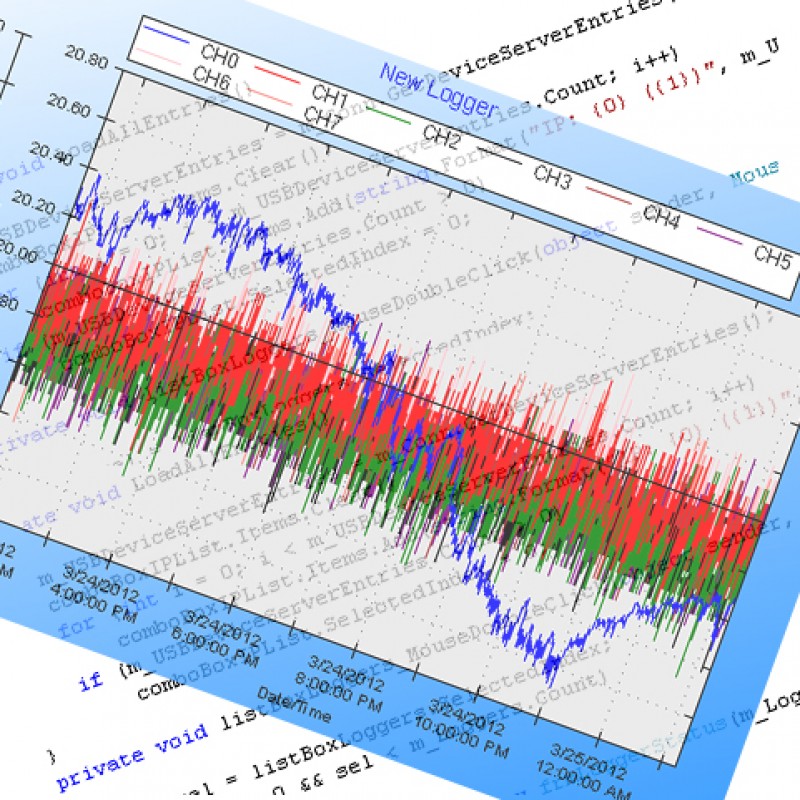
This allows developers to add data visualization to their applications without building the complete graphing interface from the ground up.
Custom Equations and Engineering Units
SiteView SDK supports the same general measurement-conversion concepts used by SiteView.
Applications can work with:
- Custom equations
- Custom-line equations
- Units
- Subunits
- Equation files
- Unit-definition files
This allows raw logger measurements to be converted into application-specific engineering values such as:
- Pressure
- Flow
- Level
- Temperature
- Humidity
- Position
- Concentration
- Energy
- Other calculated quantities
Local USB and Serial Integration
For applications running on a Windows PC, SiteView SDK can communicate directly with supported Microedge data loggers through:
- USB
- Supported serial communication
Communication baud rates can be automatically detected from:
2400 to 115200 bps
Remote Access through Smart-Hub
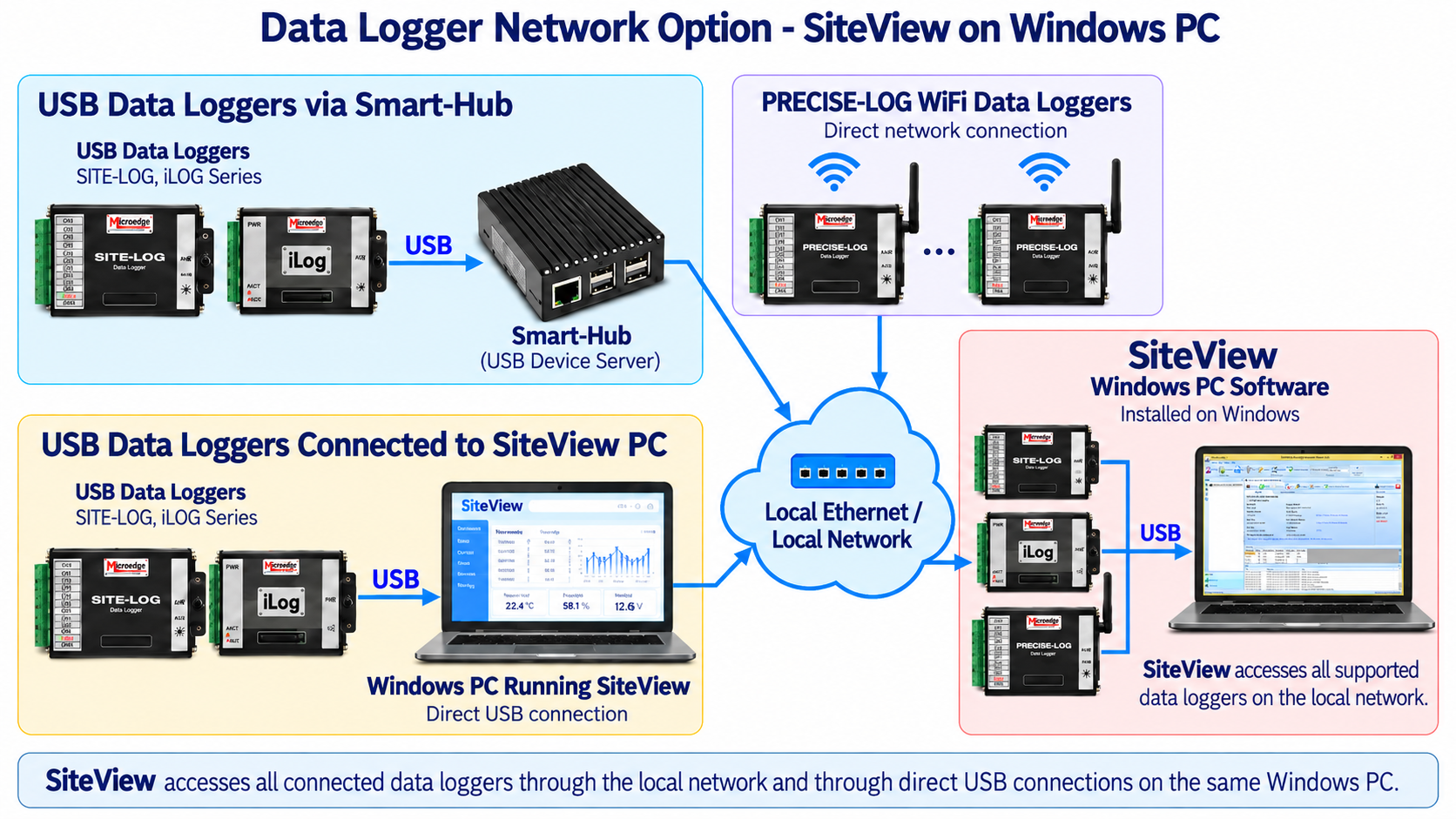
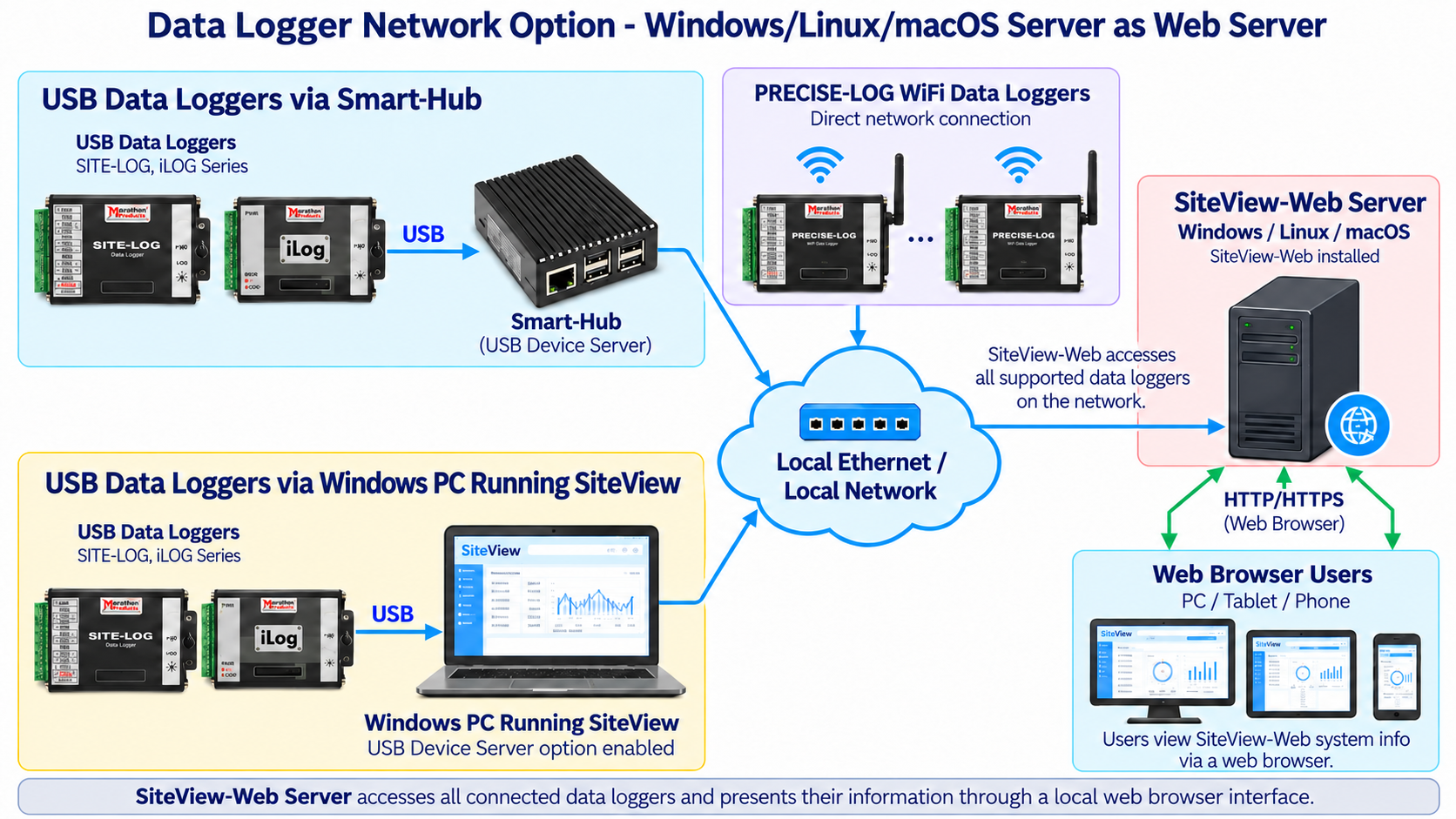
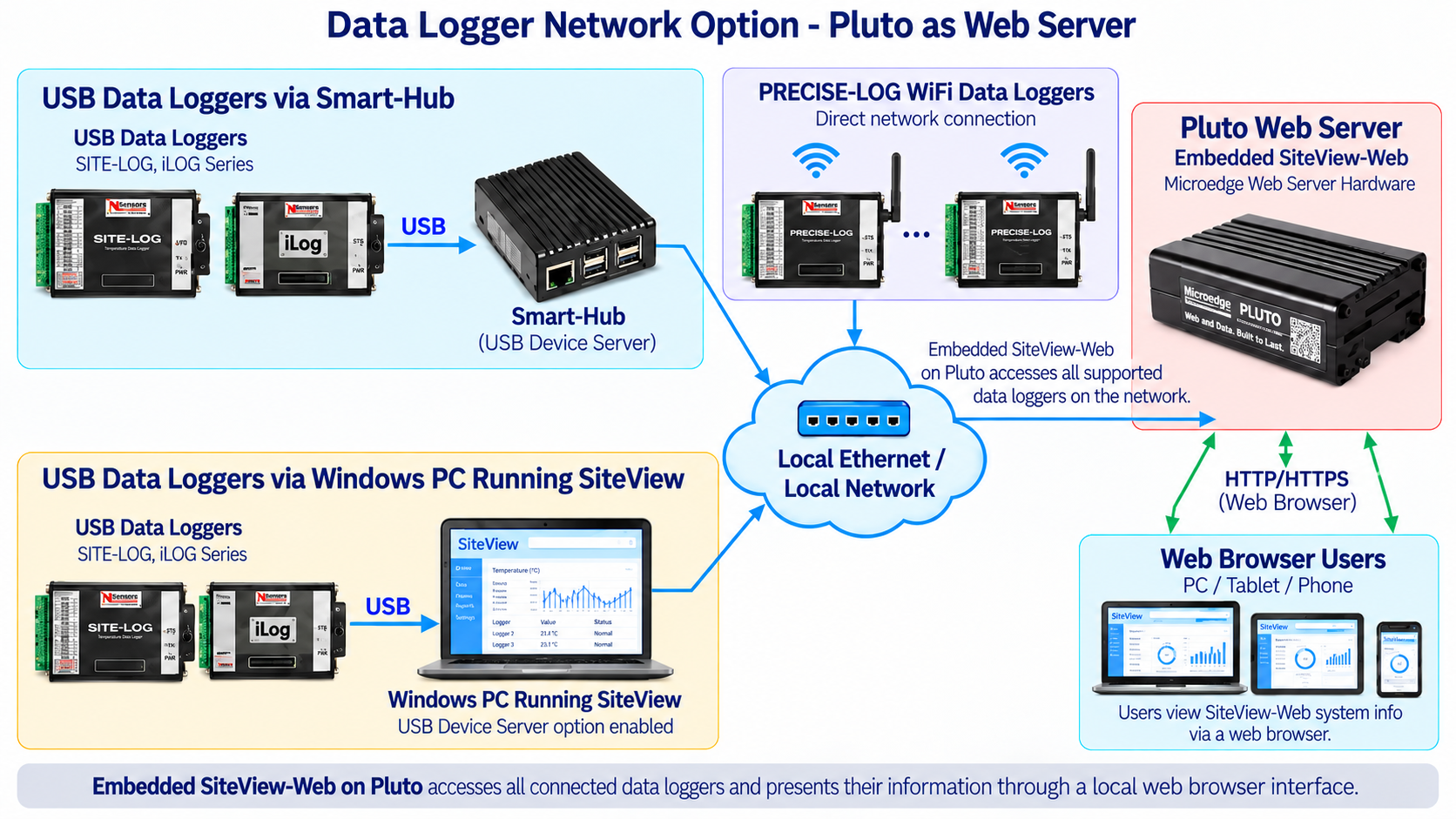
USB-based Microedge data loggers can be accessed remotely by SiteView SDK through a Microedge Smart-Hub.
The architecture is:
Data Logger → USB → Smart-Hub → Ethernet Network → Custom Windows Application Using SiteView SDK
Smart-Hub functions as a USB Device Server, allowing SDK-based applications to communicate with supported USB data loggers over the local network.
This provides network access for supported:
- SITE-LOG data loggers
- iLOG data loggers
- Non-WiFi PRECISE-LOG data loggers
Smart-Hub also provides separate RESTful Web API and Modbus TCP Gateway interfaces for applications that do not require SiteView SDK.
Direct Access to PRECISE-LOG WiFi Data Loggers
WiFi-enabled PRECISE-LOG models can connect directly to the local network.
The architecture is:
PRECISE-LOG WiFi Data Logger → WiFi → Local Network → Custom Application Using SiteView SDK
No Smart-Hub is required for supported PRECISE-LOG WiFi data loggers.
This allows a SiteView SDK application to work with both local USB loggers and network-connected loggers within the same software environment.
Integration with Larger Monitoring Systems
SiteView SDK is useful when Microedge data logger functionality needs to become part of a larger Windows software system.
Typical integrations may include:
- Laboratory automation software
- Test and measurement systems
- Manufacturing applications
- Environmental monitoring software
- Equipment-monitoring systems
- Research applications
- Custom data acquisition systems
- OEM software
- Engineering applications
For systems that do not require a Windows .NET application, Microedge also provides other integration methods through:
- Smart-Hub RESTful Web API
- Smart-Hub Modbus TCP Gateway
- Direct Modbus TCP on supported PRECISE-LOG WiFi models
This makes the role of SiteView SDK clearer: it is the Windows/.NET integration layer, while REST and Modbus are protocol-based alternatives.
KEY FEATURES
.NET Software Development Kit
Integrates supported Microedge data loggers into custom Windows applications.Device-Level Logger Access
Provides programmatic access to logger status, configuration, and recorded data.USB Communication
Serial Communication
Ethernet / Network Communication
Smart-Hub Support
Access supported USB data loggers remotely through Ethernet.Direct PRECISE-LOG WiFi Access
Object-Oriented API Structure
Organizes communication and logger functionality into reusable software objects.Logger Configuration Functions
Data Download Functions
Status Retrieval
Custom Equation Support
Custom-Line Equation Support
Engineering Units and Subunits
Graphical Data Display
Tabular Data Display
Statistics
Zoom, Labels, and Annotations
Reusable Configuration Controls
Reusable Graph / Table User Control
Data Import and Export
TYPICAL APPLICATIONS
SiteView SDK is suitable for:
- Custom Windows data acquisition software
- OEM data logging applications
- Laboratory automation
- Industrial monitoring applications
- Test and measurement systems
- Research software
- Manufacturing software
- Equipment monitoring
- Environmental monitoring
- Automated data download
- Custom graphing and reporting
- Multi-logger applications
- Remote logger access
- Integration of Microedge loggers into existing Windows software
Documents:
Please note this product is downloadable version. After the purchase and approved, you can find the download link in 'Downloads' area of your account.
| General | |
|---|---|
| Product Name | SiteView SDK |
| Model | SSDK-1 |
| Software Type | .NET Software Development Kit |
| Target Platform | Windows applications |
| Primary Function | Integration of supported Microedge data loggers into custom software |
| Commmunications | |
| USB | Supported |
| Serial Communications | Supported |
| Ethernet / Network | Supported |
| Smart-Hub | Supported for remote access to USB data loggers |
| Baud Rate | Auto-detect 2400 to 115200 bps |
| Logger Interaction | |
| Status View | View status of connected data loggers |
| Configuration | Configure supported loggers for new recording sessions |
| Real-Time View | Monitor measurements in list or chart view |
| Download Data | Supported |
| Equation Support | Apply custom equations |
| Unit Support | Apply engineering units and subunits |
| Graphing And Analysis | |
| Views | Tabular, graph, and statistics views |
| Graph Configuration | Configure axes, lines, and view properties |
| Zoom | Zoom in/out, scale zoom, box zoom, and time-span zoom |
| Labels and Annotations | Add, edit, or remove graph labels and line annotations |
| Reusable User Control | Standard graphical/tabular display component for integration into custom applications |
| Measurement Conversion | |
| Custom Equation | Add, edit, and delete custom equations |
| Custom-Line Equation | Add, edit, and delete custom-line equations |
| Unit and Subunits | Add, edit, and remove engineering units and subunits |
| Equation Import/Export | Import and export equation files |
| Unit Import/Export | Import and export unit files |
| Data Import and Export | |
| SiteView Files | Load single or multiple SiteView files |
| Combine Files | Save multiple SiteView files into a single SiteView file |
| Graph Export | EMF, PNG, GIF, JPEG, TIFF, BMP |
| Text Export | CSV, TXT |
| Printing | Graphs, tabular data, statistics |
| System Requirements | |
| Operating System | Microsoft Windows 8, 10, 11 |
| Processor | 1.0 GHz or faster |
| Memory | 1 GB RAM or higher recommended |
| Storage | 10 GB available storage or higher recommended |
| USB | At least one available USB port for direct logger connection |
| Network | Ethernet or WiFi network connection when accessing remote data loggers |
| Help | |
| Interactive Help | Related help topic is displayed with hot key (F1) pressing. |
| Help Files | Portable Document Format(.PDF) Microsoft Compiled HTML Help(.CHM) |
Resources:
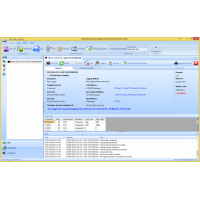
SiteView Data Logger Software
SiteView is Microedge Instruments' Windows desktop software for configuring, monitoring, downloading..
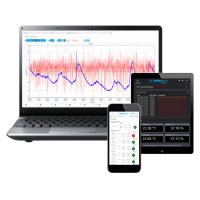
SiteView-Web Remote Data Logger Monitoring Software
SiteView-Web is Microedge Instruments' web-server software for remote monitoring, automatic data col..