

Pluto – Web Server for Microedge Data Loggers
Pluto – Dedicated Web Server for Microedge Data Loggers
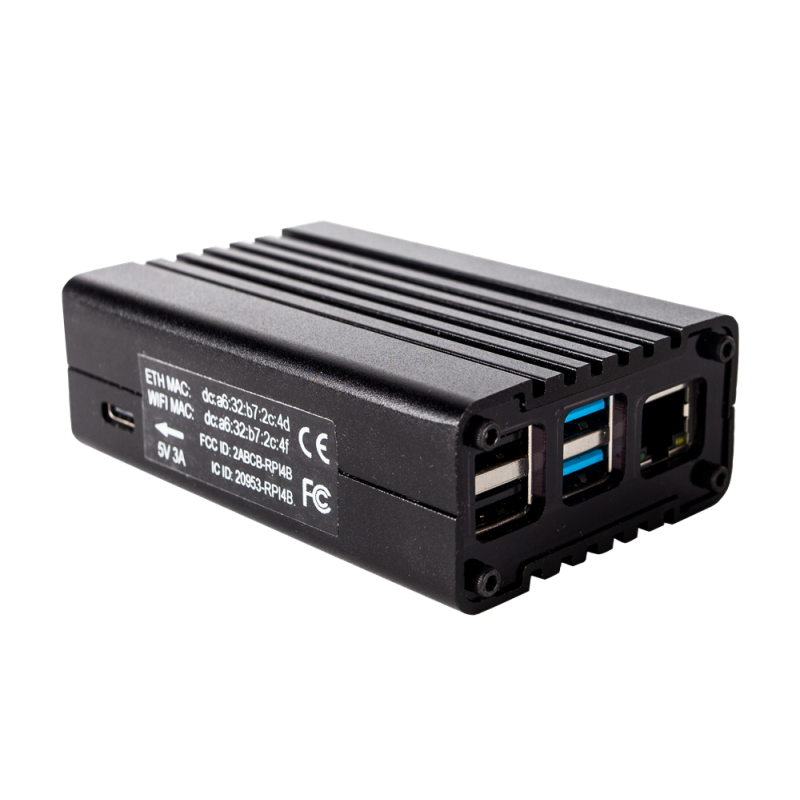
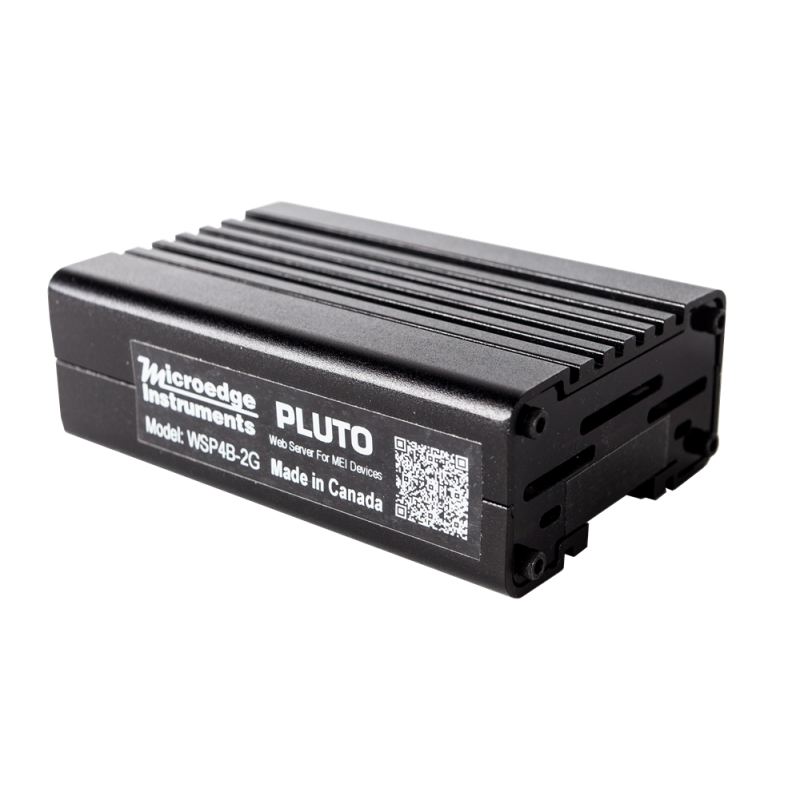
Pluto is Microedge Instruments' dedicated web-server hardware platform for remote monitoring, automatic data collection, visualization, alarm notification, and management of supported Microedge data loggers.
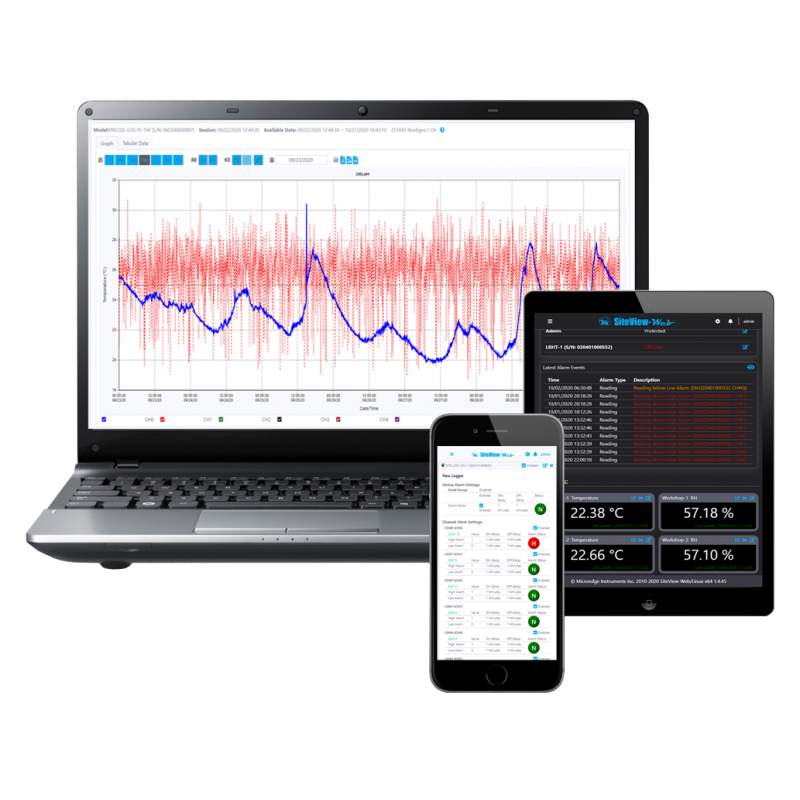
Pluto comes with SiteView-Web embedded, providing a complete browser-based monitoring system without requiring the customer to supply and maintain a separate Windows, Linux, or macOS server computer.
Pluto provides:
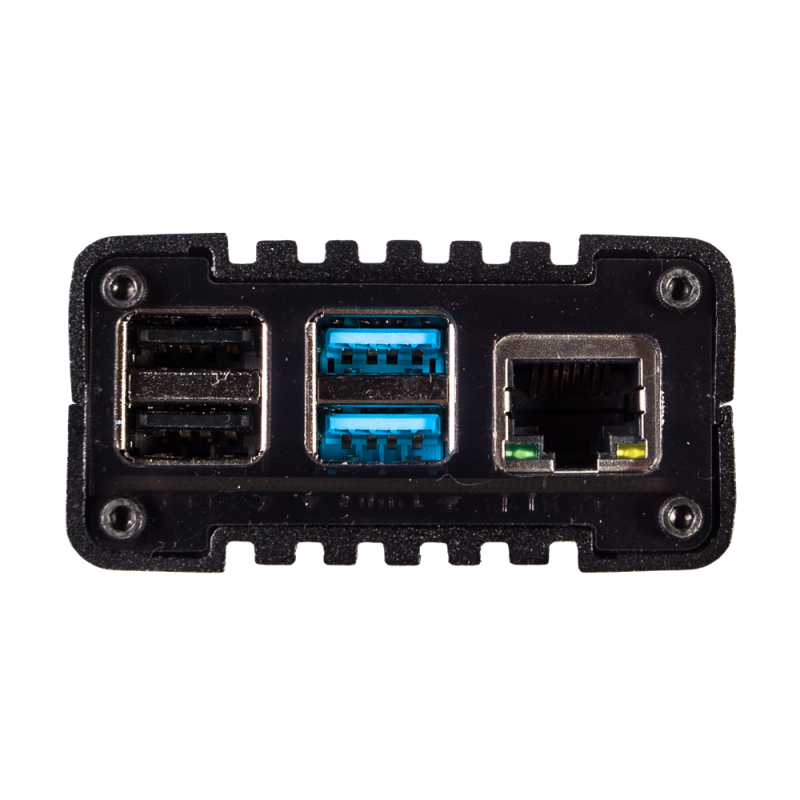
- 4 USB ports
- 1 Ethernet port
- Built-in WiFi
- Embedded SiteView-Web
- Web-browser access
- Automatic data download
- Real-time monitoring
- Historical graphing
- Alarm notification
- Multiple user accounts
- Custom monitoring pages and workspaces
Users can access the system from:
- Desktop computers
- Laptops
- Tablets
- Smartphones
through a standard web browser. No SiteView client software is required on the viewing device.
Embedded SiteView-Web
Pluto runs SiteView-Web directly on the device.
This gives Pluto the same core web-based monitoring functions as a customer-installed SiteView-Web system, but on dedicated Microedge hardware.
SiteView-Web on Pluto can:
- Communicate with supported data loggers
- Download recorded data automatically
- Retrieve real-time measurements
- Display table and graph views
- Maintain historical data
- Monitor alarm conditions
- Send email and SMS notifications
- Manage multiple user accounts
- Display custom monitoring pages
This makes Pluto a practical option for customers who want a dedicated monitoring appliance rather than installing SiteView-Web on their own computer.
Direct USB Data Logger Connection
Supported Microedge USB data loggers can be connected directly to Pluto's four onboard USB ports.
The architecture is:
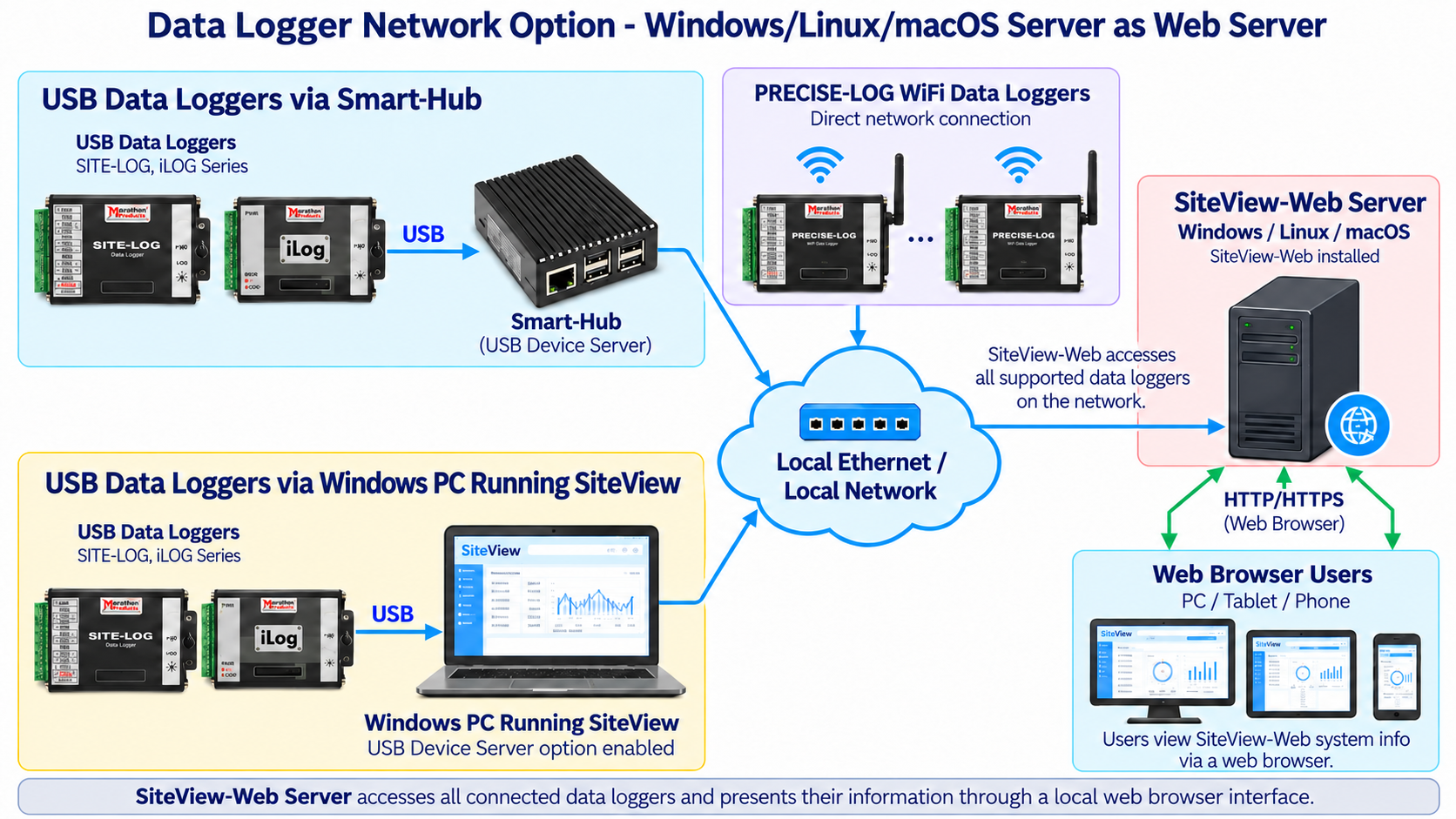
USB Data Logger → Pluto → Local Network → Web Browser
This provides a simple installation for applications with data loggers located near the Pluto hardware.
Multiple supported USB data loggers can be connected directly to Pluto at the same time, subject to the available USB ports and system capacity.
Remote Data Logger Access
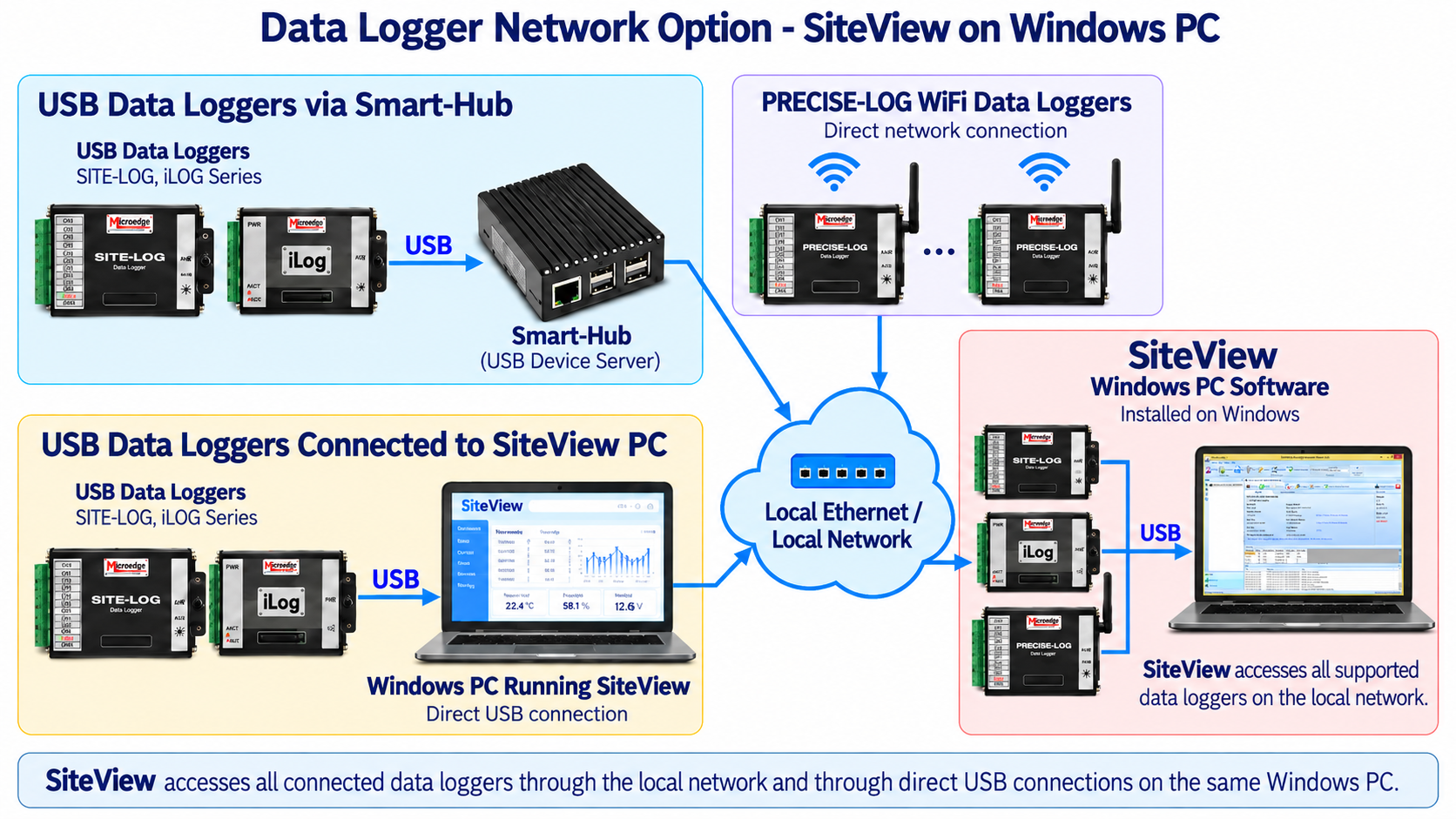
Pluto can also access supported Microedge data loggers located elsewhere on the local network.
Supported connection paths can include:
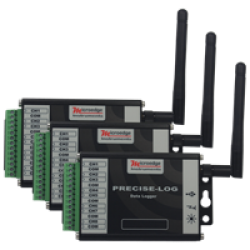
- PRECISE-LOG WiFi data loggers
- USB data loggers connected through Smart-Hub
- USB data loggers connected to a Windows PC running SiteView with the USB Device Server option enabled
This allows Pluto to function as the central web-server platform for both local and distributed Microedge data loggers.
PRECISE-LOG WiFi Integration
WiFi-enabled PRECISE-LOG data loggers can connect directly to the same network as Pluto.
The architecture is:
PRECISE-LOG WiFi Data Logger → WiFi → Local Network → Pluto
No Smart-Hub is required for supported PRECISE-LOG WiFi models.
Pluto can then retrieve data from the logger and make it available through SiteView-Web.
Smart-Hub Integration
USB-based Microedge data loggers located away from Pluto can be connected to a Microedge Smart-Hub.
The architecture is:
USB Data Logger → Smart-Hub → Ethernet Network → Pluto
Smart-Hub operates as a USB Device Server, allowing Pluto's embedded SiteView-Web system to communicate with supported USB data loggers over the network.
This provides a flexible way to distribute data loggers throughout a facility while maintaining a centralized Pluto monitoring system.
SiteView USB Device Server Integration
A Windows PC running SiteView can also provide network access to supported USB data loggers connected directly to that PC.
The architecture is:
USB Data Logger → Windows PC Running SiteView → Local Network → Pluto
SiteView must have its USB Device Server option enabled.
This allows Pluto to access supported USB data loggers already connected to Windows PCs without requiring a separate Smart-Hub at every location.
Automatic Data Download
Pluto's embedded SiteView-Web system can automatically retrieve recorded data from supported connected data loggers.
This reduces the need to physically retrieve loggers or manually download them.
Automatic data collection is useful for:
- Environmental monitoring
- Laboratories
- Industrial facilities
- Test chambers
- Storage areas
- Manufacturing
- Equipment monitoring
- Long-term unattended installations
Downloaded measurements remain available within the Pluto / SiteView-Web system for historical review, graphing, and export.
Real-Time Monitoring
Pluto continuously retrieves real-time readings from supported connected data loggers.
Measurements can be viewed through SiteView-Web as:
- Table views
- Graph views
Users can monitor the system from any compatible browser connected to the Pluto network.
Depending on the connected logger models, measurements may include:
- Temperature
- Relative humidity
- Thermocouple
- Thermistor
- RTD
- Voltage
- Current
- Strain / bridge
- Other supported measurement types
Historical Data and Graphing
Pluto provides access to both real-time and historical logger data through the embedded SiteView-Web interface.
Users can:
- Review historical measurements
- Navigate through stored data
- View graphical trends
- Zoom into selected time ranges
- Compare measurement channels
- Export data
Supported export formats include:
- PNG
- CSV
Alarm Monitoring and Notifications
Pluto can monitor alarm conditions from connected data loggers.
The system can send notifications when:
- A measurement exceeds configured thresholds
- A supported data logger goes offline
Notification methods include:
- SMS
Alarm status can also be viewed directly through the web interface.
Multiple User Accounts and Password Protection
Pluto provides password-protected access through SiteView-Web.
Supported user roles can include:
- Admin
- Manager
- Operator
- Viewer
Different users can therefore be given different levels of access to the monitoring system.
This is useful where several people need access to the same data but should not all have administrative privileges.
Custom Pages and Workspaces
Pluto supports custom monitoring pages and workspaces through SiteView-Web.
Users can organize monitoring screens around:
- Rooms
- Equipment
- Processes
- Laboratories
- Test chambers
- Facilities
- Applications
Custom controls can be placed on these pages to display information such as:
- Real-time readings
- Alarm status
- Labels
- Other supported monitoring elements
Ethernet and WiFi Network Connection
Pluto can connect to the local network through:
- Ethernet
- Built-in WiFi
For a wired installation:
Pluto → Ethernet → Router / Network
For a wireless installation:
Pluto → WiFi → Router / Network
A wired Ethernet connection is generally preferable for fixed installations because it provides a more predictable network connection, while built-in WiFi provides flexibility where Ethernet cabling is not practical.
Browser Access
Once Pluto is connected to the local network, users can access its SiteView-Web interface through a standard browser.
The basic workflow is:
Pluto → Local Network → PC / Tablet / Smartphone Web Browser
Dedicated Monitoring Appliance
Pluto is designed as a dedicated monitoring appliance.
Unlike a customer-installed SiteView-Web system, Pluto eliminates the need to:
- Select a separate server computer
- Install SiteView-Web on that server
- Maintain a general-purpose PC solely for monitoring
The customer connects Pluto to the network, adds supported data loggers, and accesses the system through a browser.
This can simplify deployment for applications where a dedicated web-server device is preferred.
KEY FEATURES
- Embedded SiteView-Web
- Dedicated Web-Server Hardware
- 4 USB Ports
- 1 Ethernet Port
- Built-In WiFi
- Direct USB Data Logger Connection
- PRECISE-LOG WiFi Support
- Smart-Hub Support
- SiteView USB Device Server Support
- Automatic Data Download
- Real-Time Monitoring
- Historical Graphing
- PDF, PNG and CSV Export
- Email Alarm Notifications
- SMS Alarm Notifications
- Offline Device Monitoring
- Multiple User Accounts
- Password Protection
- Admin / Manager / Operator / Viewer Roles
- Unlimited Custom Pages / Workspaces
- Browser Access from PC, Tablet and Smartphone
- Rugged Aluminum Enclosure
TYPICAL APPLICATIONS
Pluto is suitable for:
- Remote temperature monitoring
- Environmental monitoring
- Laboratory monitoring
- Test chamber monitoring
- Industrial monitoring
- HVAC monitoring
- Warehouse monitoring
- Storage monitoring
- Equipment-room monitoring
- Research facilities
- Manufacturing environments
- Multi-logger monitoring
- Long-term unattended data collection
- Centralized alarm monitoring
- Browser-based monitoring dashboards
- Distributed data logger systems
SYSTEM ARCHITECTURE
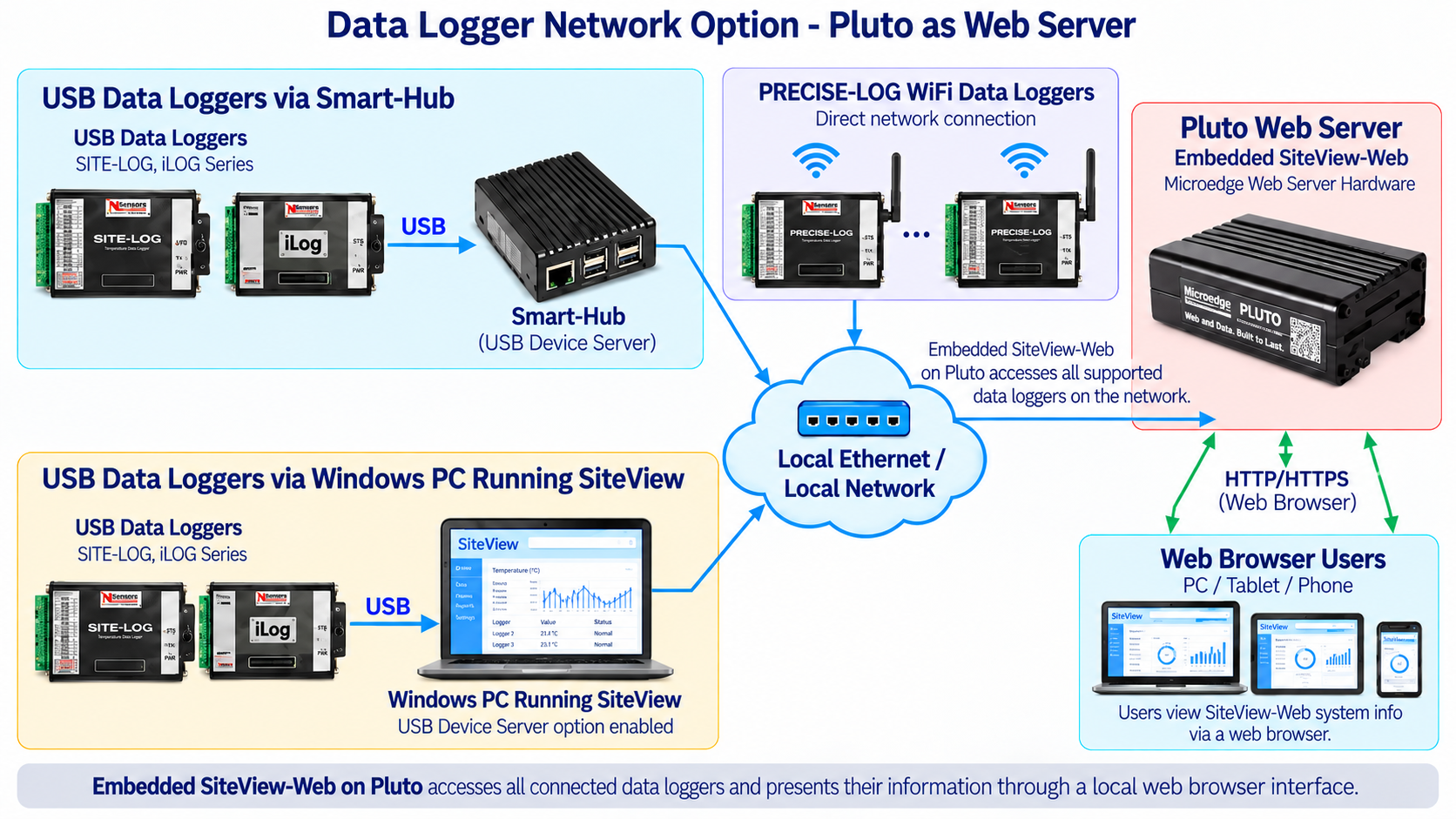
Pluto can combine several logger connection methods within the same system.
Direct USB Connection
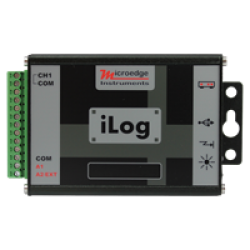
SITE-LOG / iLOG / PRECISE-LOG USB Logger → USB → Pluto
Pluto has four onboard USB ports for supported local USB data loggers.
PRECISE-LOG WiFi
PRECISE-LOG WiFi Logger → WiFi → Local Network → Pluto
No Smart-Hub is required.
Smart-Hub
USB Data Logger → Smart-Hub → Ethernet Network → Pluto
Smart-Hub provides remote USB Device Server access.
SiteView Windows PC
USB Data Logger → SiteView Windows PC → Local Network → Pluto
SiteView must have USB Device Server enabled.
Browser Users
Pluto → HTTP/HTTPS → PC / Tablet / Smartphone
The embedded SiteView-Web interface presents all supported connected data loggers through a browser.
DOCUMENTS
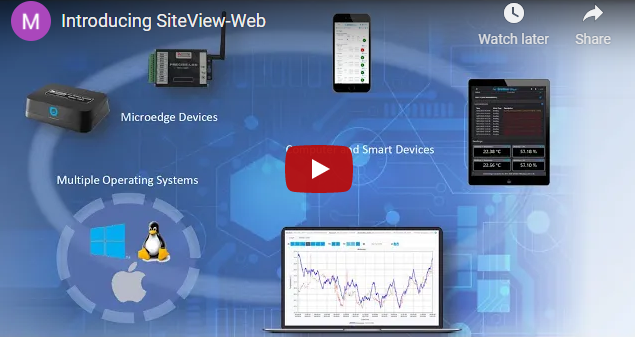
Introduction Video:
| General | |
|---|---|
| Product Name | Pluto |
| Model | WSP4B-2G |
| Product Type | Dedicated web-server hardware for Microedge data loggers |
| Web Software | SiteView-Web embedded |
| Browser Access | Supported |
| Enclosure | Aluminum |
| Hardware Interfaces | |
| USB Ports | 4 |
| Ethernet Ports | 1 |
| IP Addressing | Dynamic |
| WiFi | Built-in WiFi module |
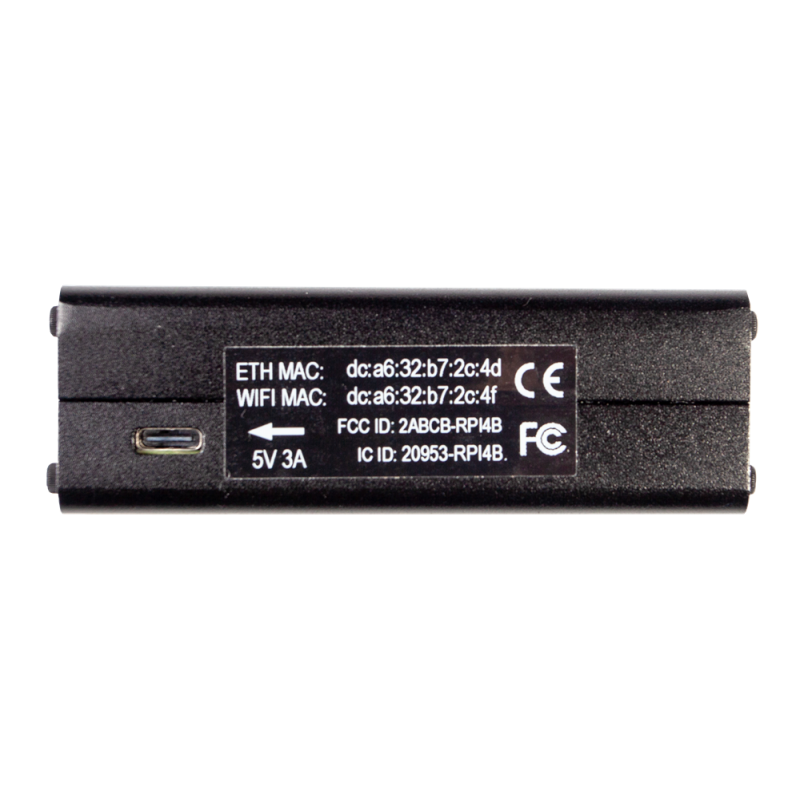
| External Power | 5 VDC |
| Included Power Adapter | 5 VDC, 3A |
| Included Ethernet Cable | Yes |
| Data Storage | 50GB |
| Data Logger Connectivity | |
| Direct USB Data Loggers (except LPSE-1) | Supported |
| PRECISE-LOG WiFi | Supported |
| SMAERT-HUB | Supported |
| SiteView USB Device Server | Supported |
| Remote Network Loggers | Supported |
| Maximum Data Loggers | 10 |
| Logger Interaction | |
| Status View | View status of connected data loggers |
| Configuration | Configure supported logger recording sessions |
| Real-Time View | Table and graph views |
| Automatic Download | Recorded logger data is downloaded automatically |
| Alarm Monitoring | View alarm status |
| Offline Monitoring | Detect supported device offline conditions |
| Graphing and Data Export | |
| Views | Tabular and chart views |
| Navigation | Day, week, month and year navigation |
| Zoom | Zoom in / zoom out |
| PNG Export | Supported |
| CSV Export | Supported |
| Measurement Conversion | |
| Custom Equations | Add, edit and delete custom equations |
| Units | Add, edit and delete unit categories and units |
| Alarm and Notifications | |
| Alarm Status | View alarms within SiteView-Web |
| Threshold Alarms | Detect measurements outside configured alarm limits |
| Offline Alarms | Notify users when supported devices go offline |
| Email Notification | Supported |
| SMS Notification | Supported |
| User Access Control | |
| Admin | Full administrative control |
| Manager | Management-level access |
| Operator | Operational access |
| Viewer | View-only access |
| Custom Pages | |
| Page Limit | unlimited custom pages can be created |
| Help | |
| Interactive Help | Related help topic is displayed by clicking '?' button on each page |
| Mechanical | |
| Operating Environment | 0 ~ +50 °C (32 °F ~ 122 °F), 10 ~ 90% RH non-condensing |
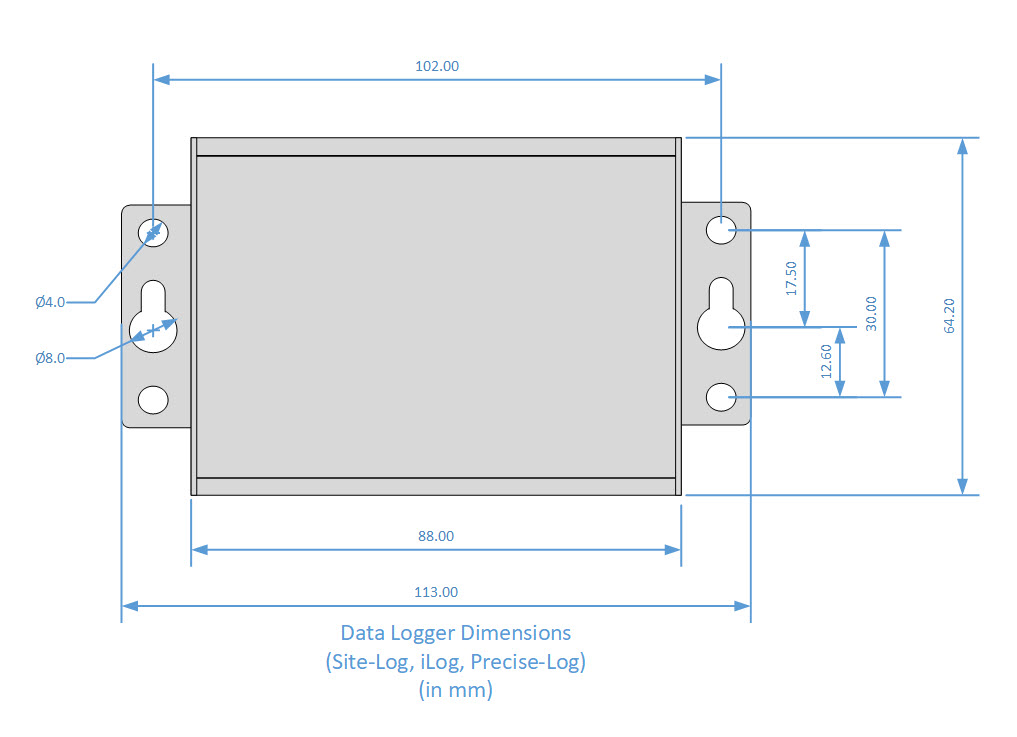
| Dimensions | 94 X 63 X 30 mm (3.7 X 2.5 X 1.2 in) |
| Weight | 200g (0.45 pound) |
| Approvals | CE, FCC |
Resources:
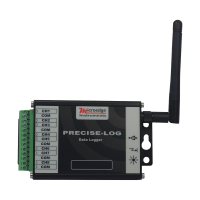
PL-TW PRECISE-LOG 8-Channel WiFi Thermocouple Data Logger
The PRECISE-LOG PL-TW is an 8-channel, battery-powered, standalone and WiFi-enabled thermocouple dat..
PL-VW PRECISE-LOG 8-Channel WiFi Voltage Data Logger
The PRECISE-LOG PL-VW is an 8-channel, battery-powered, standalone and WiFi-enabled DC voltage data ..
PL-CW PRECISE-LOG 8-Channel WiFi Current Data Logger
The PRECISE-LOG PL-CW is an 8-channel, battery-powered, standalone and WiFi-enabled DC current data ..
PL-HW PRECISE-LOG 8-Channel WiFi Thermistor Data Logger
The PRECISE-LOG PL-HW is an 8-channel, battery-powered, standalone and WiFi-enabled thermistor and r..
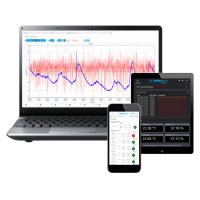
SiteView-Web Remote Data Logger Monitoring Software
SiteView-Web is Microedge Instruments' web-server software for remote monitoring, automatic data col..
 2-3 Days
DSS-2 Site USB Device Server
Discontinued!Please use the alternative product:SMART-HUBIn the application where a data logger is i..
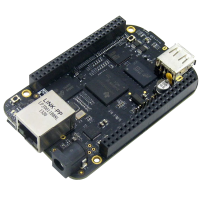
DSI-1 Site USB Device Server Industrial
Site USB Device Server Industrial (DSI-1) is a USB-over Ethernet device server that allows Microedge..
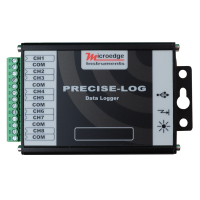
PL-T PRECISE-LOG 8-Channel Thermocouple Data Logger
The PRECISE-LOG PL-T is an 8-channel, battery-powered, standalone thermocouple data logger designed ..
PL-C PRECISE-LOG 8-Channel Current Data Logger
The PRECISE-LOG PL-C is an 8-channel, battery-powered, standalone DC current data logger designed fo..
PL-H PRECISE-LOG 8-Channel Thermistor Data Logger
The PRECISE-LOG PL-H is an 8-channel, battery-powered, standalone thermistor and resistance data log..
PL-V PRECISE-LOG 8-Channel Voltage Data Logger
The PRECISE-LOG PL-V is an 8-channel, battery-powered, standalone DC voltage data logger designed fo..
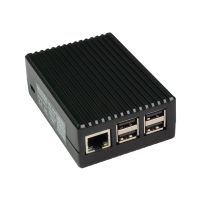 2-3 Days
DSP-2C Site USB Device Server Pro
Out of Stock! Please use the alternative product:SMART-HUB The Site USB Device Server Pro (DSP-2C) ..
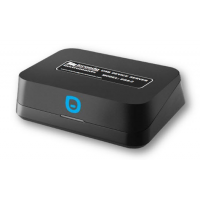
SMART-HUB
Smart-Hub is a compact network communication gateway that allows supported Microedge USB data logger..