
MENU
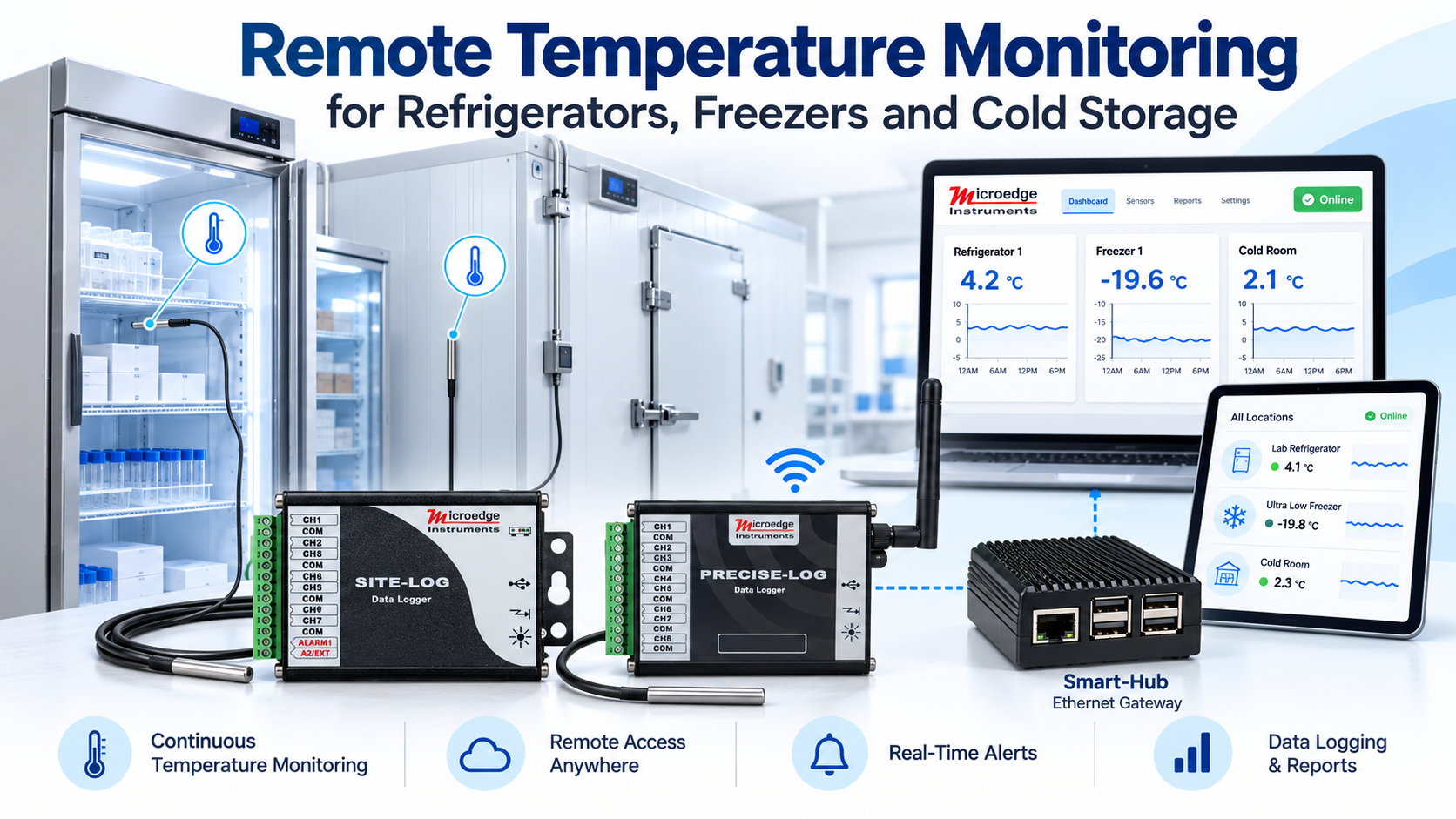
Refrigerators, freezers, cold rooms, and other temperature-controlled storage areas often require continuous temperature monitoring rather than occasional manual checks.
By connecting temperature sensors to a Microedge data logger, temperatures can be recorded automatically, viewed in real time, and monitored remotely through a PC or web browser. Alarm thresholds can also be configured to help identify temperatures that move outside the desired range.
This Application Note shows several practical ways to build a remote temperature monitoring system using Microedge data loggers and software.
Typical applications include:
A typical monitoring system consists of:
Temperature Sensor → Data Logger → Network → Monitoring Software → Browser / PC
The data logger records temperature continuously while the monitoring software provides access to current and historical data.
The most appropriate sensor depends on the temperature range and installation.
Thermocouples are useful when:
Microedge thermocouple data loggers support several thermocouple types, depending on the model.
Thermistors are well suited to many refrigerator, freezer, and environmental monitoring applications where good accuracy is required over a more limited temperature range.
RTDs such as PT100, PT500, and PT1000 are another option for applications requiring stable temperature measurement.
The sensor should always be selected according to the required temperature range, accuracy, probe construction, and installation environment.
Several Microedge products can be used for cold-storage monitoring.
The LPTM-1 provides:
It is useful when several refrigerators, freezers, shelves, or measurement points must be monitored from one location.
The PL-T provides eight thermocouple input channels for multi-point temperature monitoring.
It can operate as a standalone data logger and communicate locally through USB.
For network access, PL-T can be connected to a Smart-Hub.
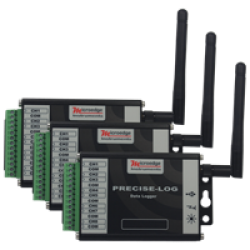
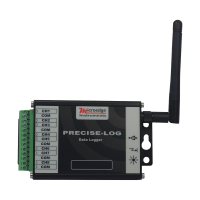
The PL-TW provides eight thermocouple channels with built-in WiFi connectivity.
This makes it useful when the refrigerator, freezer, or cold room is within range of the facility's wireless network.
A typical configuration is:
Thermocouples → PL-TW → WiFi → SiteView-Web / Pluto
No Smart-Hub is required for the PL-TW's direct WiFi connection.
The LPTH-1 provides seven thermistor/resistance channels and is optimized for 10 kΩ NTC thermistors.
It is a good option for applications where thermistor probes are preferred over thermocouples.
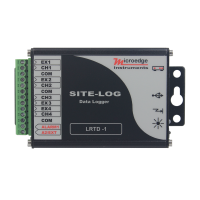
The LRTD provides four RTD measurement channels and supports PT100, PT500, or PT1000 models.
It can be considered where an RTD-based temperature monitoring system is preferred.
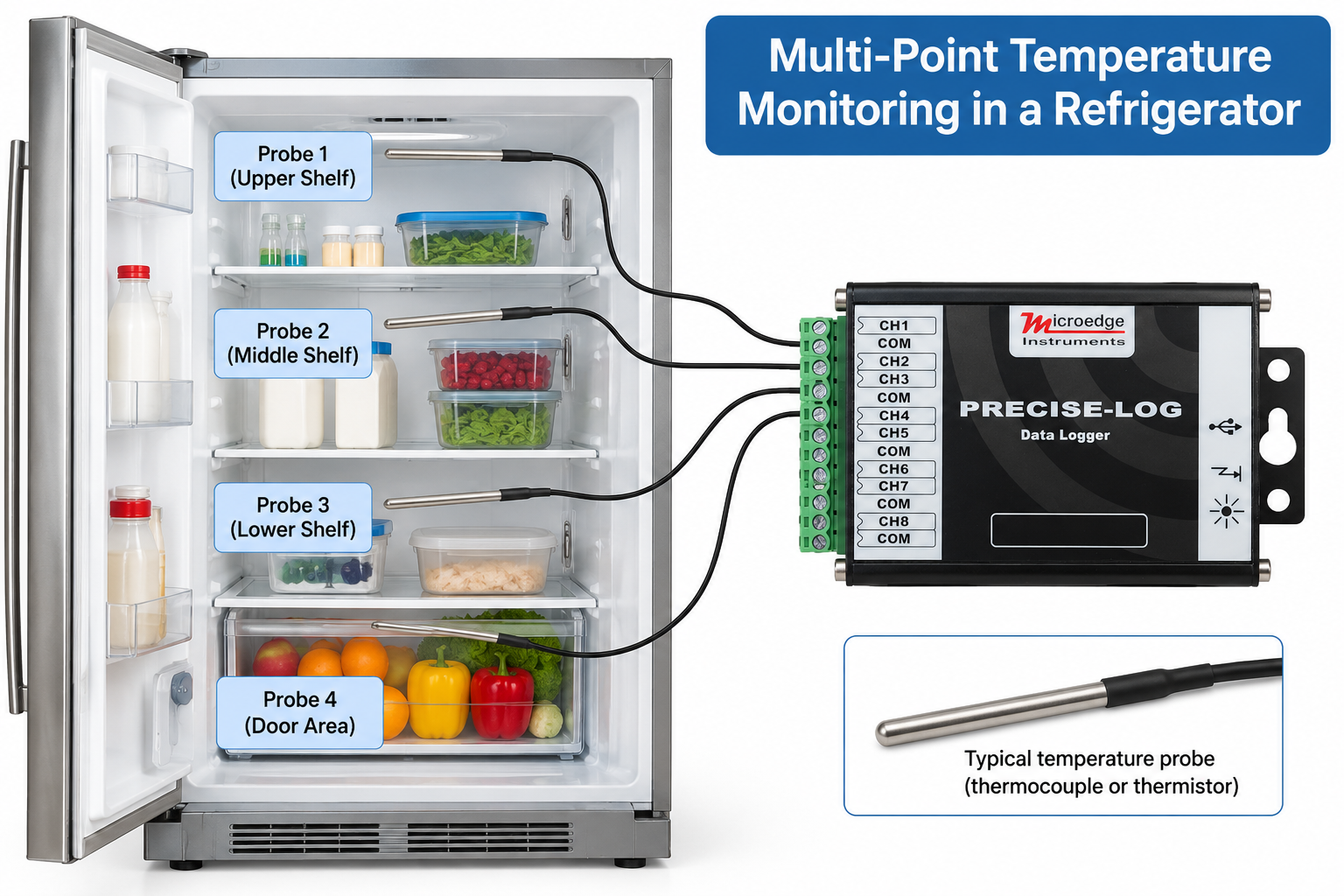
One refrigerator or freezer may require more than one temperature measurement point.
For example:
A multi-channel data logger makes it possible to monitor several points simultaneously.
For example:
Probe 1 → Channel 1 → Upper Shelf
Probe 2 → Channel 2 → Middle Shelf
Probe 3 → Channel 3 → Lower Shelf
Probe 4 → Channel 4 → Door Area
This can provide a more complete picture of the temperature distribution inside the storage area than a single sensor.
The required logging interval depends on the application.
Examples may include:
A shorter interval produces more detailed temperature information but also creates more data.
Microedge data loggers store readings in onboard non-volatile memory, allowing measurements to continue even when the monitoring computer is not actively connected.
The appropriate interval should be selected according to the temperature dynamics of the application and the amount of historical detail required.
For installations where the data logger is located near a Windows PC, the simplest configuration is:
Temperature Sensors → Data Logger → USB → SiteView
SiteView can be used to:
This configuration is suitable when browser-based or remote network access is not required.
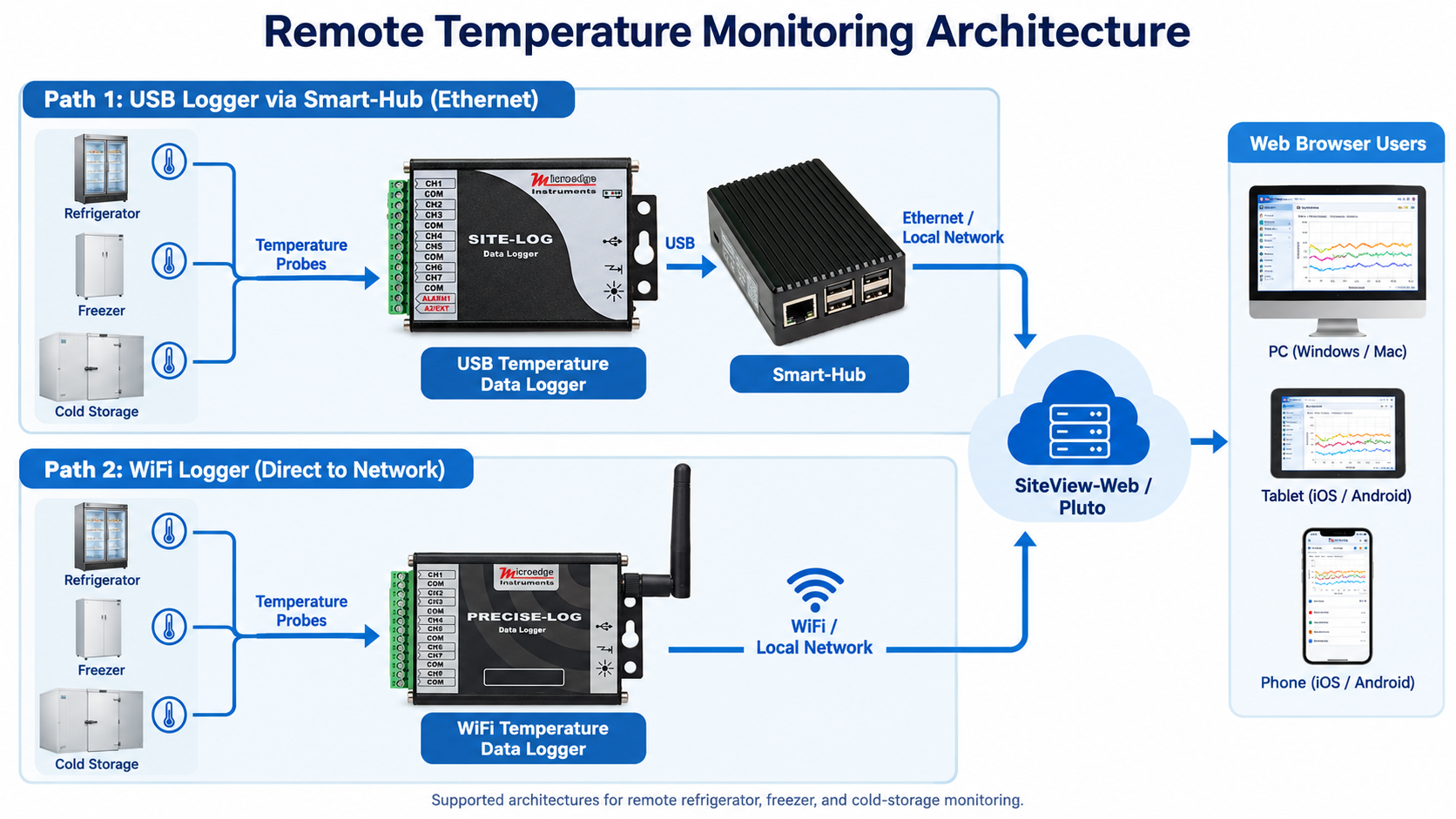
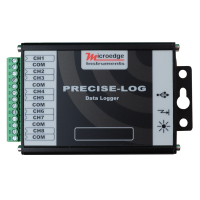
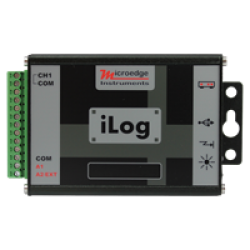
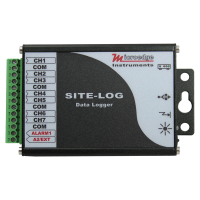
USB-based SITE-LOG, iLOG, and PRECISE-LOG data loggers can be connected to Smart-Hub for Ethernet network access.
Typical architecture:
Temperature Sensors → Data Logger → Smart-Hub → Ethernet Network
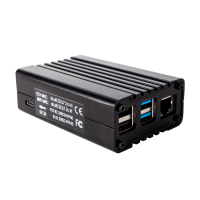
Smart-Hub acts as a communication gateway and provides:
For browser-based monitoring:
Temperature Sensors → Data Logger → Smart-Hub → SiteView-Web / Pluto → Browser
This allows the data logger to remain near the refrigerator or freezer while users monitor it from another location on the network.
Where WiFi is available, PL-TW provides a simpler network architecture:
Thermocouples → PL-TW → WiFi Network
The logger can then be accessed by supported Microedge software without requiring Smart-Hub.
For browser-based monitoring:
PL-TW → WiFi → SiteView-Web / Pluto → Browser
This is useful when running Ethernet cabling to the monitoring location is inconvenient.
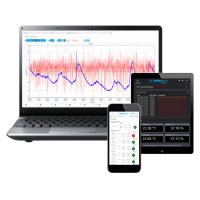
SiteView-Web provides browser-based monitoring for supported Microedge data loggers.
Pluto is a dedicated hardware platform with SiteView-Web embedded.
Users can monitor supported data loggers from a web browser on:
Depending on the system configuration, users can view:
This is particularly useful when refrigerators or freezers are distributed throughout a laboratory, facility, or storage area.
A cold-storage system commonly has an acceptable operating temperature range.
For example, a refrigerator may have:
If the temperature moves outside the configured limits, the monitoring system can identify the alarm condition.
SiteView-Web can also be configured to send supported email or SMS notifications for conditions such as:
This helps users respond to abnormal conditions without continuously watching the monitoring screen.
The alarm thresholds should be selected according to the actual storage requirements of the application.
A larger installation may include several storage units.
For example:
Refrigerator 1 → Data Logger
Refrigerator 2 → Data Logger
Freezer 1 → Data Logger
Cold Room → Data Logger
These loggers can be connected to the network through:
SiteView-Web or Pluto can then provide one browser-based interface for monitoring multiple locations.
This makes it possible to centralize temperature monitoring while keeping the measurement hardware close to each storage unit.
| Application | Suggested Configuration |
|---|---|
| One refrigerator, local monitoring | LPTH-1 or LPTM-1 + SiteView |
| Multiple thermocouple points | LPTM-1 or PL-T |
| WiFi freezer monitoring | PL-TW |
| RTD-based monitoring | LRTD |
| Remote USB logger over Ethernet | Logger + Smart-Hub |
| Browser-based monitoring | SiteView-Web / Pluto |
| Multiple refrigerators or freezers | Multiple loggers + SiteView-Web / Pluto |
A typical installation may look like:
Temperature Probe
↓
Microedge Data Logger
↓
Smart-Hub or Direct WiFi
↓
Local Network
↓
SiteView-Web / Pluto
↓
PC / Tablet / Smartphone Browser
The data logger performs the actual temperature measurement and recording, while the network and monitoring software provide remote access to the data.
A Microedge data logger can provide continuous temperature recording for refrigerators, freezers, cold rooms, and other temperature-controlled storage areas.
The basic system is:
Temperature Sensor → Data Logger → Network → Monitoring Software
For local monitoring, USB and SiteView may be sufficient.
For Ethernet access to USB-based data loggers, Smart-Hub provides network connectivity.
For direct wireless monitoring, PL-TW can connect directly to WiFi.
For centralized browser-based monitoring, SiteView-Web or Pluto can provide access to current temperatures, historical data, graphs, logger status, and alarm information from multiple locations.

Leave a Comment