

SiteView-Web Remote Data Logger Monitoring Software
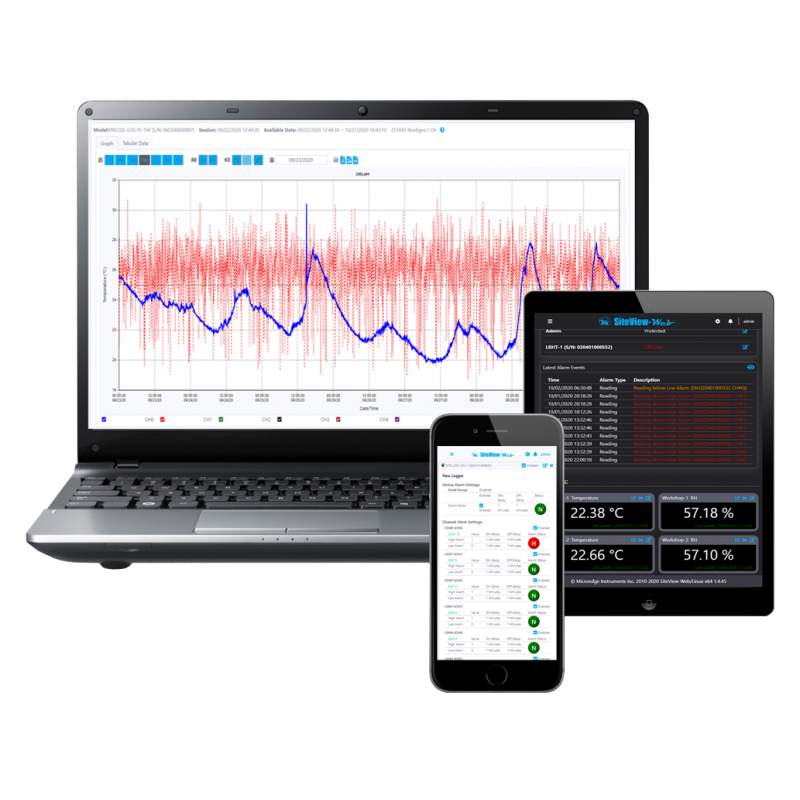
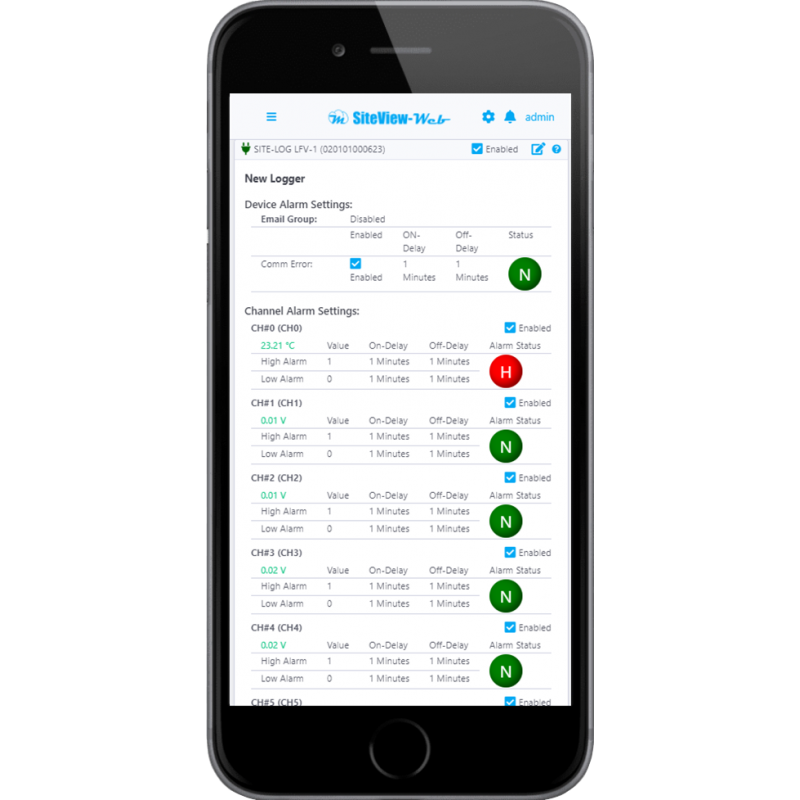
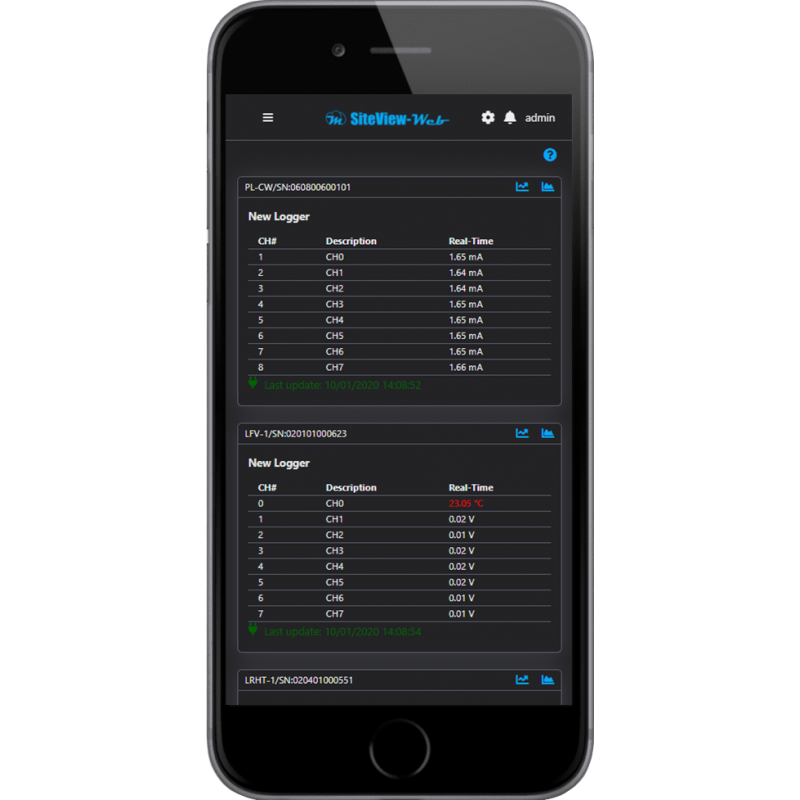
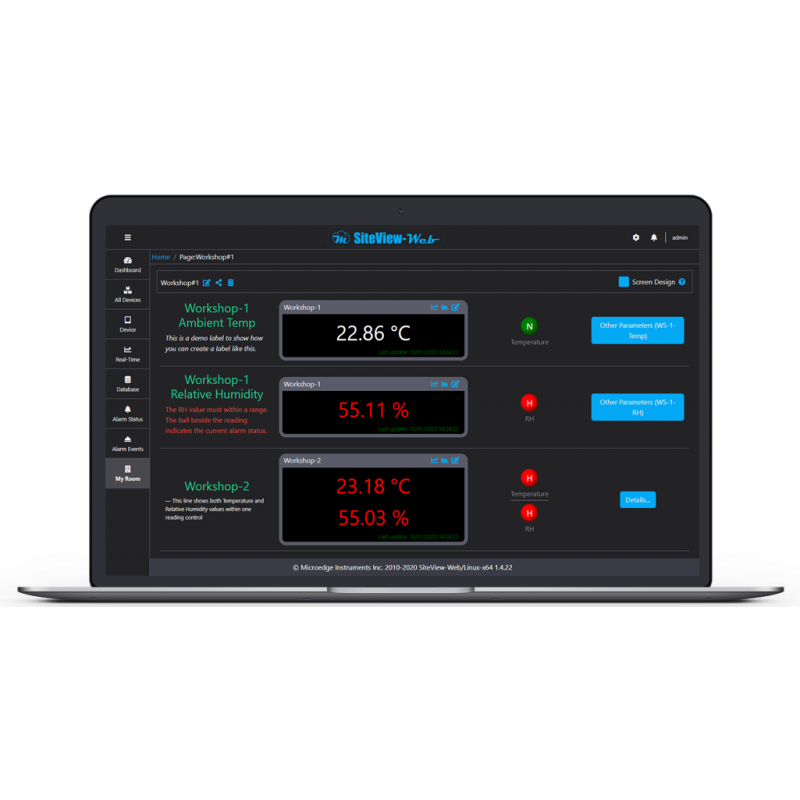
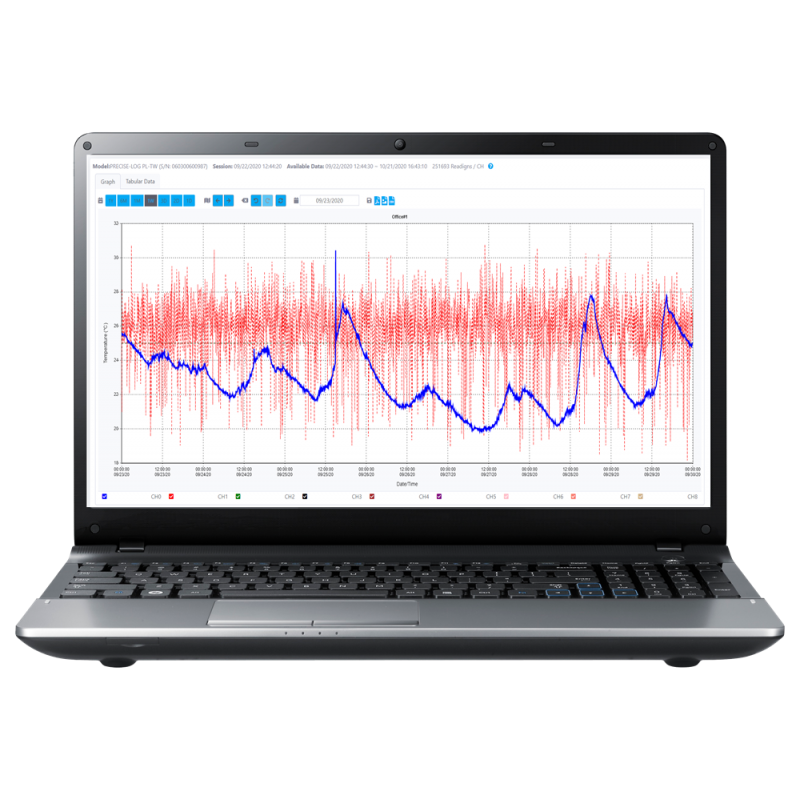
SiteView-Web is Microedge Instruments' web-server software for remote monitoring, automatic data collection, visualization, alarm notification, and management of supported Microedge data loggers.
It runs on:
- Windows
- Linux
- macOS
Once installed on a server computer, SiteView-Web continuously communicates with supported data loggers, downloads recorded data automatically, retrieves real-time readings, and presents the complete monitoring system through a standard web browser.
Users can access the system from:
- Desktop computers
- Laptops
- Tablets
- Smartphones
No SiteView client software is required on the viewing device. A standard web browser is sufficient.
Centralized Data Logger Monitoring
SiteView-Web provides a centralized interface for monitoring multiple Microedge data loggers from one web-based system.
A single SiteView-Web installation can support up to:
100 data loggers
Supported logger families include:
- PRECISE-LOG
- SITE-LOG
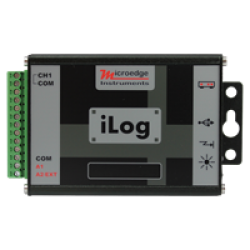
- iLOG
LPSE-1 is not supported by SiteView-Web.
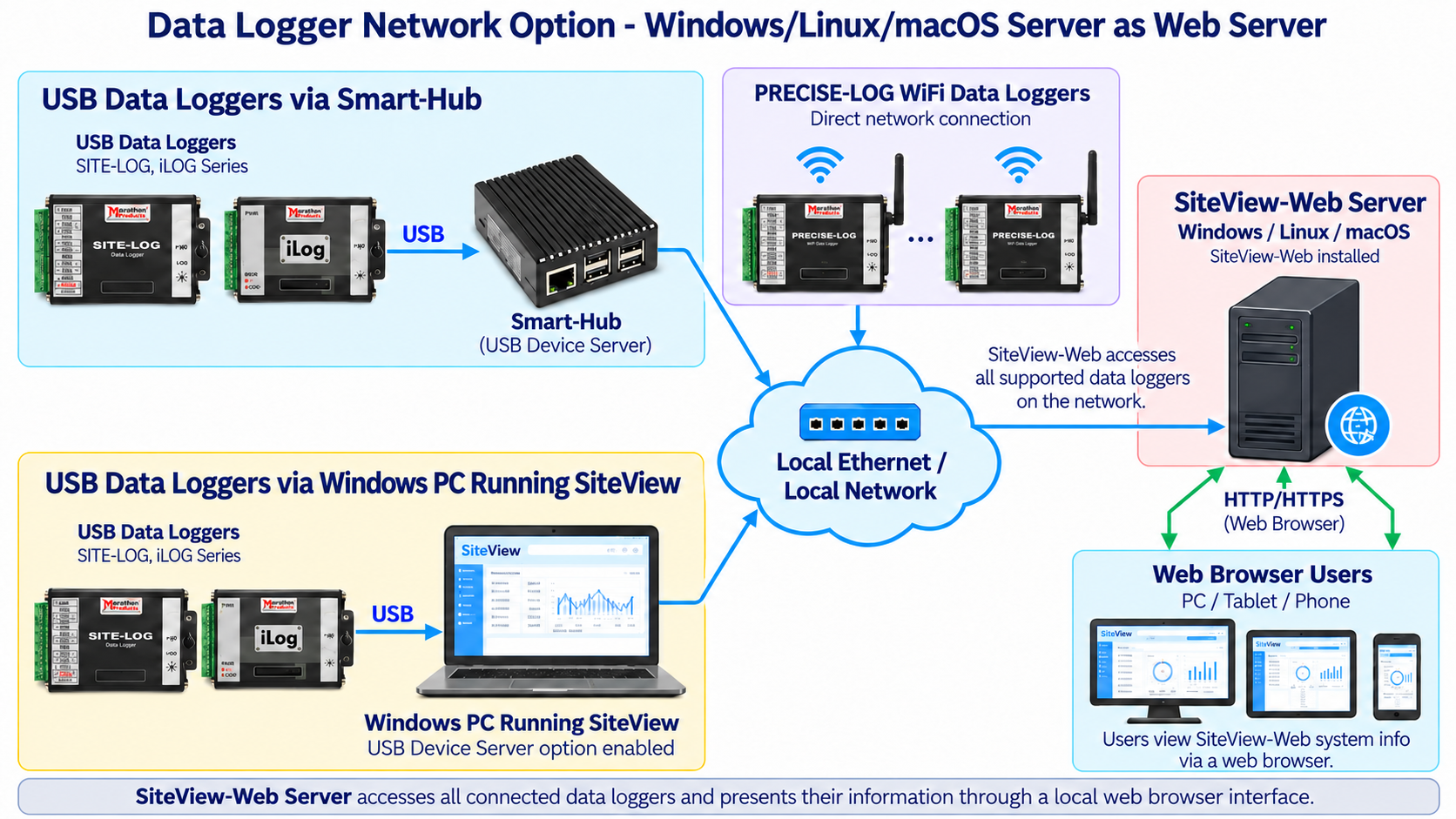
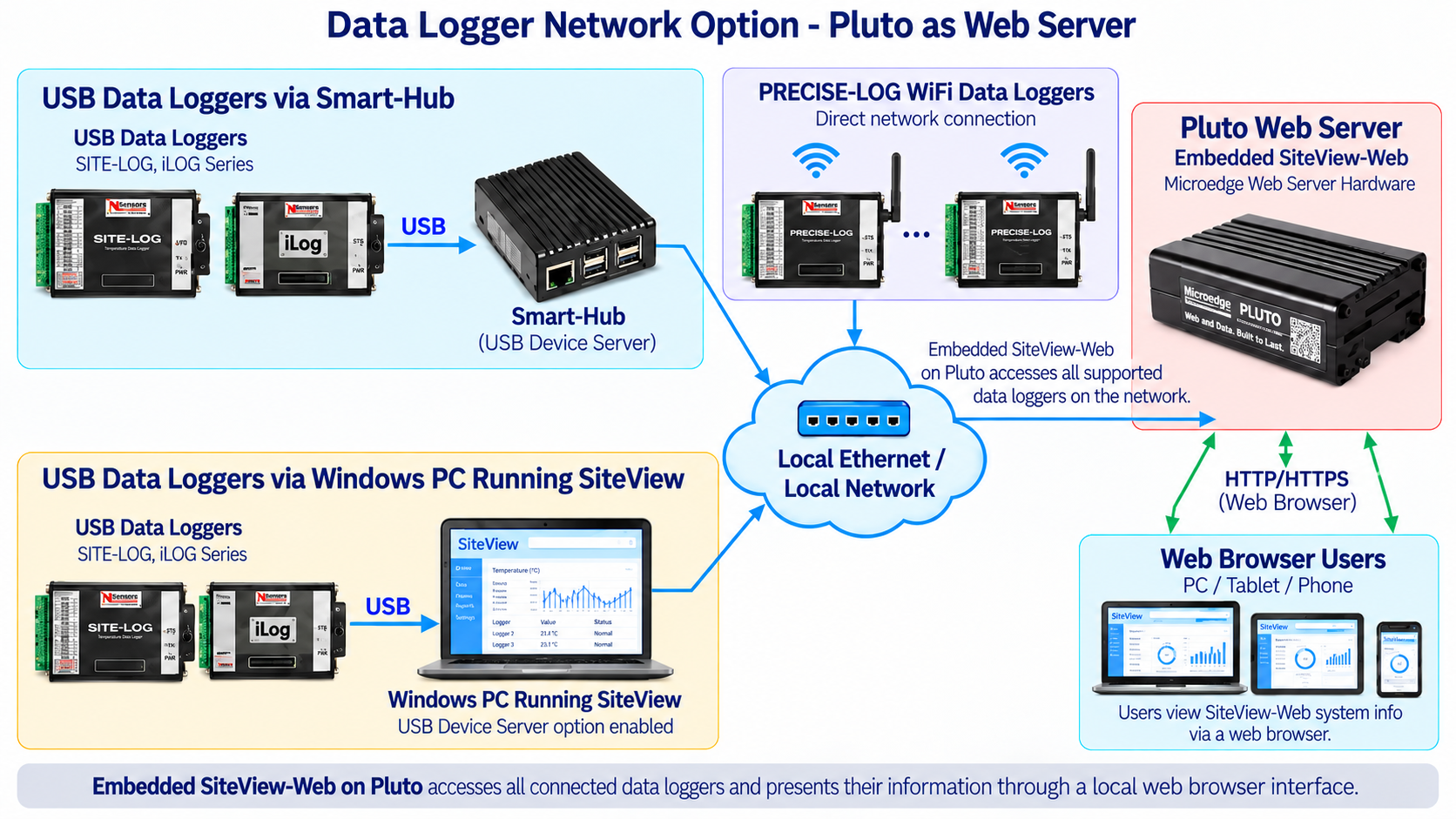
Data loggers can be connected to SiteView-Web through several network paths, including:
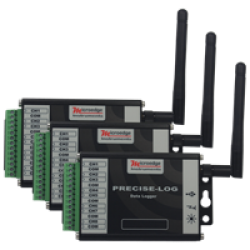
- Direct PRECISE-LOG WiFi connection
- Smart-Hub
- SiteView running on a Windows PC with the USB Device Server option enabled
This allows local USB loggers, remote Ethernet-connected loggers, and WiFi PRECISE-LOG devices to be brought together within the same monitoring system.
Automatic Data Download
SiteView-Web maintains communication with connected data loggers and downloads recorded data automatically.
This removes the need to physically retrieve loggers or manually connect them to a computer for routine data download.
Automatic collection is particularly useful for:
- Remote installations
- Environmental monitoring
- Laboratories
- Test chambers
- Industrial monitoring
- Long-term unattended recording
- Multi-location monitoring
Downloaded data becomes available within the SiteView-Web system for review, graphing, export, and historical analysis.
Real-Time Monitoring
SiteView-Web continuously retrieves real-time measurements from connected data loggers.
Real-time data can be viewed as:
- Table view
- Graph view
Users can monitor current measurements directly from a web browser without installing additional software on the viewing device.
This makes SiteView-Web suitable for monitoring:
- Temperature
- Relative humidity
- Voltage
- Current
- Thermocouples
- Thermistors
- RTDs
- Strain and bridge sensors
- Other supported Microedge measurement channels
Historical Data and Graphing
SiteView-Web provides both tabular and graphical views of recorded measurements.
Users can:
- View historical data
- Navigate by day, week, month, or year
- Zoom in and out
- Review individual measurement channels
- Compare recent and historical readings
- Export data and graphs
Supported export formats include:
- PNG
- CSV
This allows recorded measurements to be reviewed directly in the web interface or exported for reporting and further analysis.
Alarm Monitoring and Notifications
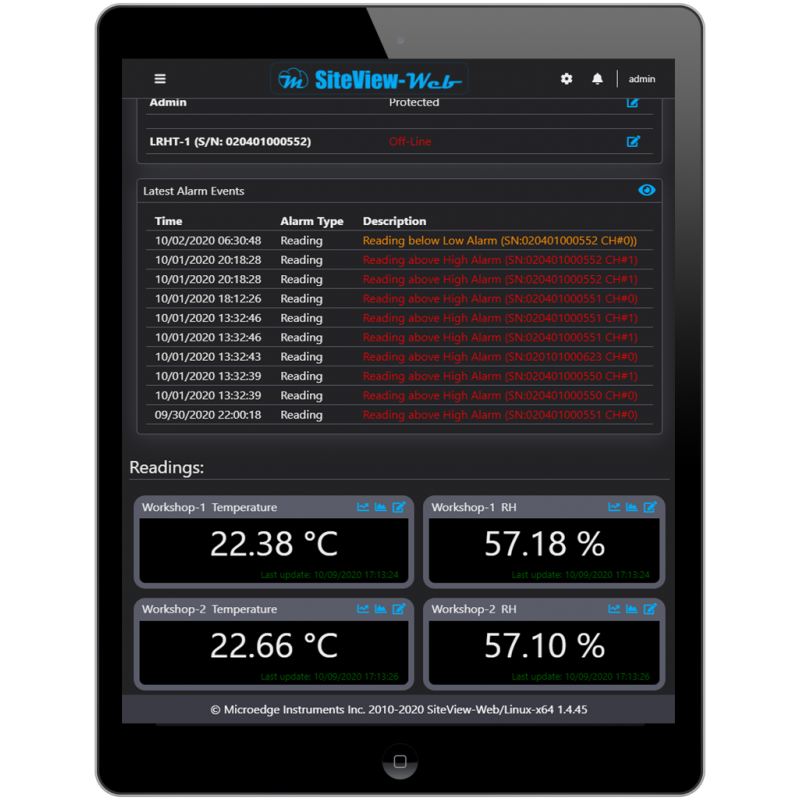
SiteView-Web provides centralized alarm monitoring.
Alarm conditions can be generated when:
- A measurement exceeds a configured alarm threshold
- A connected device goes offline
The system can send alarm notifications through:
- SMS
Users can also review alarm status directly within the SiteView-Web interface.
This makes SiteView-Web suitable for applications where users need to be informed of abnormal conditions without continuously watching the monitoring screen.
Multiple User Accounts and Access Control
SiteView-Web supports multiple password-protected user accounts.
Available account types include:
- Admin
- Manager
- Operator
- Viewer
Different access levels allow organizations to control who can configure the system, operate data loggers, or simply view measurements.
This is useful for laboratories, industrial sites, facilities, and organizations where several users require different levels of access to the same monitoring system.
Custom Pages and Workspaces
SiteView-Web allows users to create custom monitoring pages and workspaces.
Custom pages can be used to organize measurements by:
- Location
- Equipment
- Process
- Laboratory
- Room
- Test setup
- Application
Users can add supported controls and arrange pages to match their monitoring requirements.
The system supports an unlimited number of custom pages / workspace pages, allowing larger monitoring systems to be organized in a more application-specific way.
Dark and Light Themes
SiteView-Web supports both:
- Light theme
- Dark theme
Users can select the interface appearance that best suits their working environment or personal preference.
Direct Access to PRECISE-LOG WiFi Data Loggers
WiFi-enabled PRECISE-LOG data loggers can connect directly to the local network and be accessed by SiteView-Web.
The architecture is:
PRECISE-LOG WiFi Data Logger → WiFi → Local Network → SiteView-Web Server
No Smart-Hub is required for supported PRECISE-LOG WiFi models.
This provides a simple architecture for distributed wireless monitoring applications.
Access to USB Data Loggers through Smart-Hub
USB-based Microedge data loggers can be connected to the network through a Microedge Smart-Hub.
The architecture is:
USB Data Logger → Smart-Hub → Ethernet Network → SiteView-Web Server
Smart-Hub operates as a USB Device Server, allowing SiteView-Web to communicate with supported USB data loggers over the local network.
Supported product families include applicable:
- SITE-LOG
- iLOG
- Non-WiFi PRECISE-LOG models
Access through SiteView Windows PC
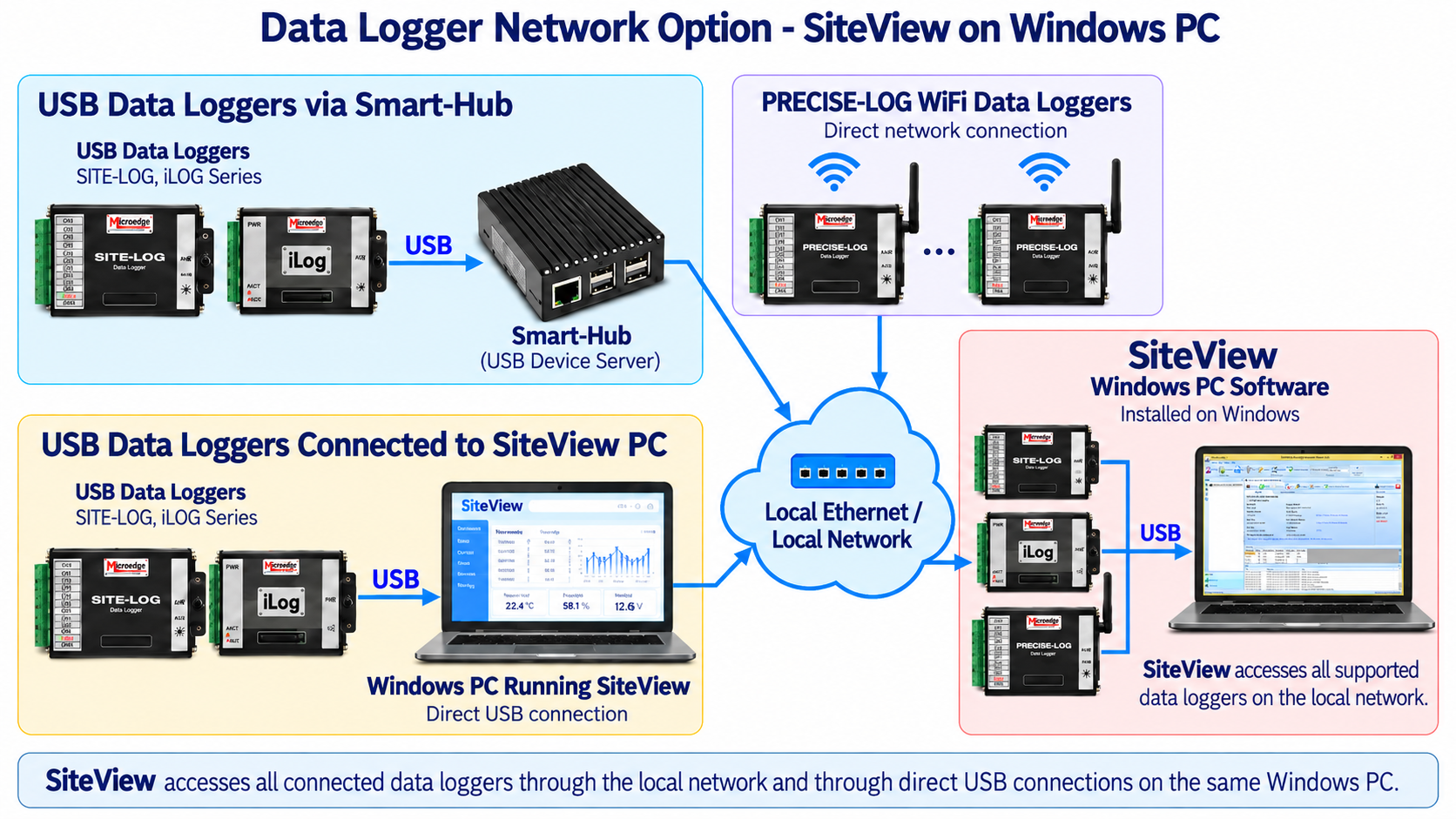
SiteView running on a Windows PC can also enable its USB Device Server option.
When enabled, supported USB data loggers connected directly to that PC can be made available to SiteView-Web over the network.
The architecture is:
USB Data Logger → Windows PC Running SiteView → Local Network → SiteView-Web Server
This is useful when data loggers are already connected to a Windows computer and a separate Smart-Hub is not required at that location.
A SiteView-Web server can therefore access data loggers through multiple paths at the same time:
- PRECISE-LOG WiFi
- Smart-Hub
- SiteView Windows PCs with USB Device Server enabled
Multi-Platform Web Server
SiteView-Web can run on:
- Windows
- Linux
- macOS
On Windows, SiteView-Web can operate as a Windows service.
On Linux and macOS, the current specification states that SiteView-Web runs on localhost and may be placed behind a reverse proxy such as nginx for external browser access.
This makes SiteView-Web suitable for deployment on:
- Desktop PCs
- Industrial PCs
- Mini PCs
- Linux computers
- Dedicated server computers
depending on the required installation.
Integration with Microedge Monitoring Systems
SiteView-Web is part of the broader Microedge monitoring platform.
It can work together with:
- PRECISE-LOG WiFi data loggers
- Smart-Hub
- SiteView
- SITE-LOG
- iLOG
- Pluto
Pluto is Microedge's dedicated web-server hardware with SiteView-Web embedded.
Customers who prefer to install and maintain their own server computer can use SiteView-Web directly.
Customers who prefer a dedicated Microedge hardware platform can use Pluto.
KEY FEATURES
Web-Based Data Logger Monitoring
View supported Microedge data loggers from a standard web browser.Windows, Linux and macOS Support
Up to 100 Data Loggers
Automatic Data Download
Recorded logger data is collected automatically.Real-Time Monitoring
Table and graph views of current measurements.Historical Data Review
PDF, PNG and CSV Export
Alarm Monitoring
Email / SMS Notifications
Offline Device Notification
Multiple Password-Protected Accounts
Admin, Manager, Operator and Viewer Roles
Unlimited Custom Pages / Workspaces
Light and Dark Themes
Direct PRECISE-LOG WiFi Access
Smart-Hub Support
SiteView USB Device Server Support
Browser Access from PC, Tablet and Smartphone
TYPICAL APPLICATIONS
SiteView-Web is suitable for:
- Remote temperature monitoring
- Environmental monitoring
- Laboratory monitoring
- Test chamber monitoring
- Industrial process monitoring
- HVAC monitoring
- Warehouse monitoring
- Storage monitoring
- Equipment-room monitoring
- Research facilities
- Manufacturing environments
- Multi-logger monitoring
- Long-term unattended data collection
- Remote alarm notification
- Browser-based monitoring dashboards
- Distributed data logger systems
DOCUMENTS
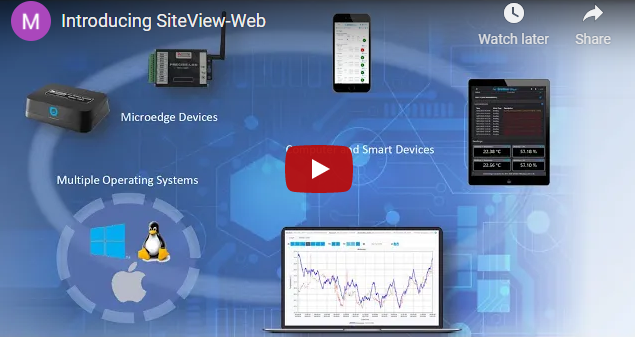
Introduction Video:
| General | |
|---|---|
| Product Name | SiteView-Web |
| Model | SSVW-64 |
| Software Type | Web-server data logger monitoring software |
| Supported Server Platforms | Windows, Linux, macOS |
| Maximum Data Loggers | 100 |
| Supported Data Loggers | |
| PRECISE-LOG | Supported |
| SITE-LOG | Supported (Except LPSE-1) |
| iLOG | Supported |
| Communication Options | |
| PRECISE-LOG WiFi | Direct network connection |
| Smart-Hub | Supported for USB data loggers |
| SiteView USB Device Server | Supported |
| Web Browser Access | Supported |
| Logger Interaction | |
| Status View | View status of connected data loggers |
| Configuration | Configure supported logger recording sessions |
| Real-Time View | Table and graph views |
| Automatic Download | Recorded logger data is downloaded automatically |
| Alarm Monitoring | View alarm status |
| Offline Monitoring | Detect supported device offline conditions |
| Graphing and Data Export | |
| Views | Tabular and chart views |
| Navigation | Day, week, month and year navigation |
| Zoom | Zoom in / zoom out |
| PNG Export | Supported |
| CSV Export | Supported |
| Measurement Conversion | |
| Custom Equations | Add, edit and delete custom equations |
| Units | Add, edit and delete unit categories and units |
| Alarm and Notifications | |
| Alarm Status | View alarms within SiteView-Web |
| Threshold Alarms | Detect measurements outside configured alarm limits |
| Offline Alarms | Notify users when supported devices go offline |
| Email Notification | Supported |
| SMS Notification | Supported |
| User Access Control | |
| Admin | Full administrative control |
| Manager | Management-level access |
| Operator | Operational access |
| Viewer | View-only access |
| Custom Pages | |
| Page Limit | unlimited custom pages can be created |
| System Requirments | |
| Processor | 1.0 GHz or faster |
| Memory | 2.0 GB RAM or higher |
| Storage | 100 GB or more recommended for long-term data storage |
| Network | Ethernet or WiFi network connection |
| Windows Deployment | Can run as a Windows service |
| Linux / macOS Deployment | Can run locally and be exposed through a reverse proxy such as nginx |
| Help | |
| Interactive Help | Related help topic is displayed by clicking '?' button on each page |
Resources:
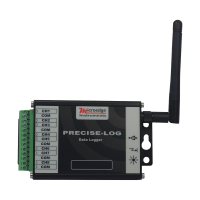
PL-TW PRECISE-LOG 8-Channel WiFi Thermocouple Data Logger
The PRECISE-LOG PL-TW is an 8-channel, battery-powered, standalone and WiFi-enabled thermocouple dat..
PL-VW PRECISE-LOG 8-Channel WiFi Voltage Data Logger
The PRECISE-LOG PL-VW is an 8-channel, battery-powered, standalone and WiFi-enabled DC voltage data ..
PL-CW PRECISE-LOG 8-Channel WiFi Current Data Logger
The PRECISE-LOG PL-CW is an 8-channel, battery-powered, standalone and WiFi-enabled DC current data ..
PL-HW PRECISE-LOG 8-Channel WiFi Thermistor Data Logger
The PRECISE-LOG PL-HW is an 8-channel, battery-powered, standalone and WiFi-enabled thermistor and r..
SiteView Data Logger Software
SiteView is Microedge Instruments' Windows desktop software for configuring, monitoring, downloading..
SiteView SDK – Software Development Kit for Microedge Data Loggers
SiteView SDK is a .NET software development kit that allows developers to integrate supported Microe..
 2-3 Days
DSP-1 Site USB Device Server Pro
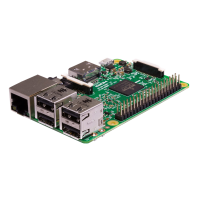
Out of Stock! Please use the alternative product:SMART-HUBSite USB Device Server Pro (DSP-1) is a US..
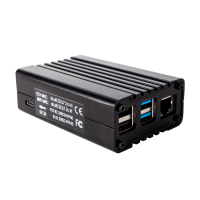
Pluto – Web Server for Microedge Data Loggers
Pluto – Dedicated Web Server for Microedge Data LoggersPluto is Microedge Instruments' dedicated web..
 2-3 Days
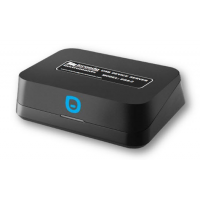
DSS-2 Site USB Device Server
Discontinued!Please use the alternative product:SMART-HUBIn the application where a data logger is i..
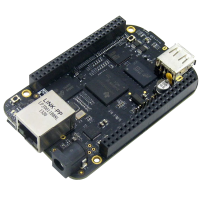
DSI-1 Site USB Device Server Industrial
Site USB Device Server Industrial (DSI-1) is a USB-over Ethernet device server that allows Microedge..
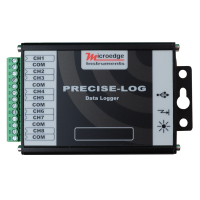
PL-T PRECISE-LOG 8-Channel Thermocouple Data Logger
The PRECISE-LOG PL-T is an 8-channel, battery-powered, standalone thermocouple data logger designed ..
PL-C PRECISE-LOG 8-Channel Current Data Logger
The PRECISE-LOG PL-C is an 8-channel, battery-powered, standalone DC current data logger designed fo..
PL-H PRECISE-LOG 8-Channel Thermistor Data Logger
The PRECISE-LOG PL-H is an 8-channel, battery-powered, standalone thermistor and resistance data log..
PL-V PRECISE-LOG 8-Channel Voltage Data Logger
The PRECISE-LOG PL-V is an 8-channel, battery-powered, standalone DC voltage data logger designed fo..
 2-3 Days
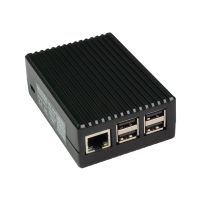
DSP-2C Site USB Device Server Pro
Out of Stock! Please use the alternative product:SMART-HUB The Site USB Device Server Pro (DSP-2C) ..
SMART-HUB
Smart-Hub is a compact network communication gateway that allows supported Microedge USB data logger..